Social Media Post
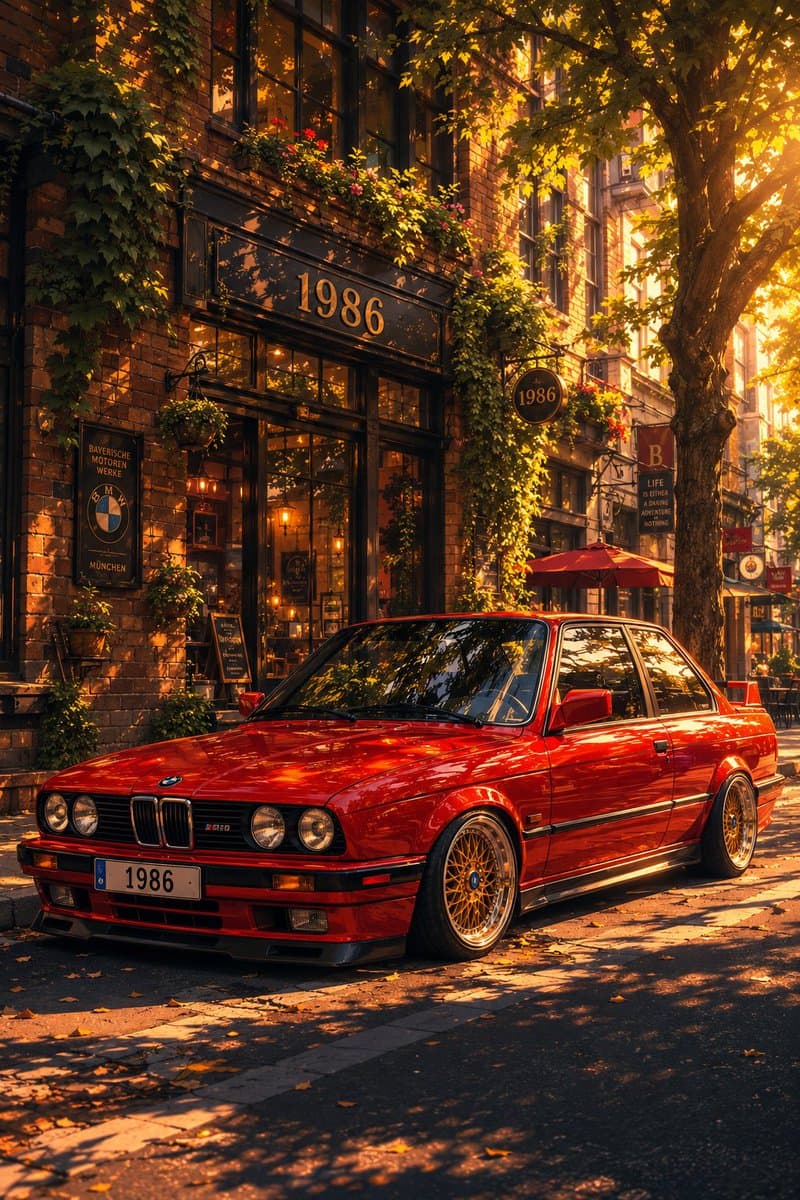
Classic Bmw E30 Urban Illustration Gallery
Step into a world of intricate details with this classic bmw e30 urban illustration gallery. Designed for absolute visual perfection and artistic expression.
View prompt →A masterful stunning 3d library workspace that elevates visual storytelling. This stunning gallery piece boasts exceptional detail and captivating energy.
Goal: Create a polished 3D isometric tech workspace illustration showing a reusable design library and digital content planning tools. Canvas: Ultra wide horizontal banner, approximately 2.5:1 aspect ratio, dark navy to teal gradient background, cinematic studio lighting, clean empty margins at the left and top for possible overlay text. Main subject and layout: Arrange a layered cluster of floating and tabletop productivity elements across the center right of the canvas. Use {argument name="primary color palette" default="deep navy, teal, cyan, white, violet, and warm gold accents"}. The scene should feel like a premium SaaS/productivity hero image, with soft shadows, glossy bevels, subtle reflections, and rounded corners. Discrete visible elements: Include exactly 13 main objects: 1 large central desktop browser window with a dark top bar and wireframe layout blocks; 1 dark grid dashboard panel behind it on the left with nine square tiles; 1 small white analytics/card panel in front with left side list dots and bottom mini buttons; 1 teal UI card on the right with four main content blocks and three narrow side rows; 1 purple UI card farther right with five rounded modules; 1 spreadsheet/calendar tablet lying flat in the foreground left with turquoise row header and purple top bar; 1 open report/document tablet in the foreground center with four colored chart blocks; 1 stacked pile of papers or folders in the foreground right topped by a blank white sheet; 1 small stack of rounded square app tiles in the foreground; 1 dark smartphone or slim rectangular device at the bottom center; 1 large stack of dark binders or file folders standing vertically in the back right with teal and gold edges; 1 floating cloud icon in the upper right outlined with gold rim lighting; 1 dark cylindrical pen cup on the far right containing three writing instruments. Background accents: Add thin golden orbital connector lines arcing above the panels with three small gold nodes, a tiny cyan cube near the upper right, and translucent glass like panel outlines behind the main windows. Keep these accents delicate and secondary. Style: High end 3D render, rounded clay like UI components, glassmorphism, soft ambient occlusion, beveled edges, metallic gold highlights, modern creator tool aesthetic, no people. Use {argument name="lighting mood" default="moody cinematic blue studio lighting with bright cyan rim highlights"} and {argument name="render style" default="premium 3D isometric SaaS illustration"}. Text constraints: No readable words, no logos, no watermark. Any interface marks should be abstract lines, dots, grids, and blank cards only. Composition constraints: Keep the main cluster centered slightly right, preserve strong depth layering from flat foreground tablets to floating background panels, keep the cloud in the upper right corner, and leave the far left background mostly uncluttered.
Goal: Create a polished 3D isometric tech workspace illustration showing a reusable design library and digital content planning tools. Canvas: Ultra wide horizontal banner, approximately 2.5:1 aspect ratio, dark navy to teal gradient background, cinematic studio lighting, clean empty margins at the left and top for possible overlay text. Main subject and layout: Arrange a layered cluster of floating and tabletop productivity elements across the center right of the canvas. Use {argument name="primary color palette" default="deep navy, teal, cyan, white, violet, and warm gold accents"}. The scene should feel like a premium SaaS/productivity hero image, with soft shadows, glossy bevels, subtle reflections, and rounded corners. Discrete visible elements: Include exactly 13 main objects: 1 large central desktop browser window with a dark top bar and wireframe layout blocks; 1 dark grid dashboard panel behind it on the left with nine square tiles; 1 small white analytics/card panel in front with left side list dots and bottom mini buttons; 1 teal UI card on the right with four main content blocks and three narrow side rows; 1 purple UI card farther right with five rounded modules; 1 spreadsheet/calendar tablet lying flat in the foreground left with turquoise row header and purple top bar; 1 open report/document tablet in the foreground center with four colored chart blocks; 1 stacked pile of papers or folders in the foreground right topped by a blank white sheet; 1 small stack of rounded square app tiles in the foreground; 1 dark smartphone or slim rectangular device at the bottom center; 1 large stack of dark binders or file folders standing vertically in the back right with teal and gold edges; 1 floating cloud icon in the upper right outlined with gold rim lighting; 1 dark cylindrical pen cup on the far right containing three writing instruments. Background accents: Add thin golden orbital connector lines arcing above the panels with three small gold nodes, a tiny cyan cube near the upper right, and translucent glass like panel outlines behind the main windows. Keep these accents delicate and secondary. Style: High end 3D render, rounded clay like UI components, glassmorphism, soft ambient occlusion, beveled edges, metallic gold highlights, modern creator tool aesthetic, no people. Use {argument name="lighting mood" default="moody cinematic blue studio lighting with bright cyan rim highlights"} and {argument name="render style" default="premium 3D isometric SaaS illustration"}. Text constraints: No readable words, no logos, no watermark. Any interface marks should be abstract lines, dots, grids, and blank cards only. Composition constraints: Keep the main cluster centered slightly right, preserve strong depth layering from flat foreground tablets to floating background panels, keep the cloud in the upper right corner, and leave the far left background mostly uncluttered.A masterful stunning 3d library workspace that elevates visual storytelling. This stunning gallery piece boasts exceptional detail and captivating energy.
Copy the full prompt
Use the copy button above to grab the complete prompt text.
Open Roopify AI
Click Generate image for free, optionally upload your photo, and generate with this prompt applied.
Customize and create
Swap the subject, style, or details to fit your idea, then generate your photo.
More prompts
Step into a world of intricate details with this classic bmw e30 urban illustration gallery. Designed for absolute visual perfection and artistic expression.
View prompt →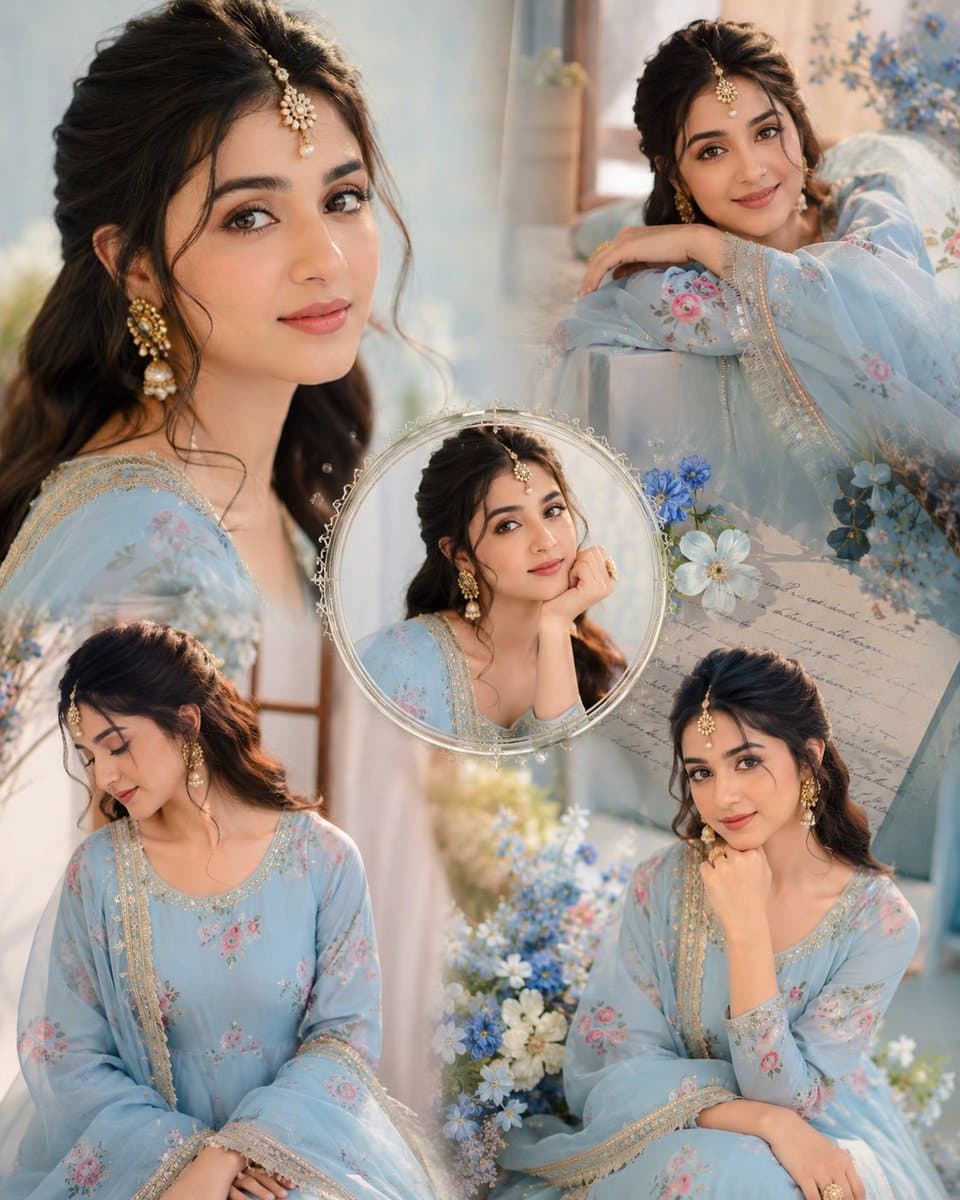
Immerse yourself in this breathtaking indian anarkali fashion collage visuals. Every visual element is crafted with exquisite detail and highly intricate aesthetics.
View prompt →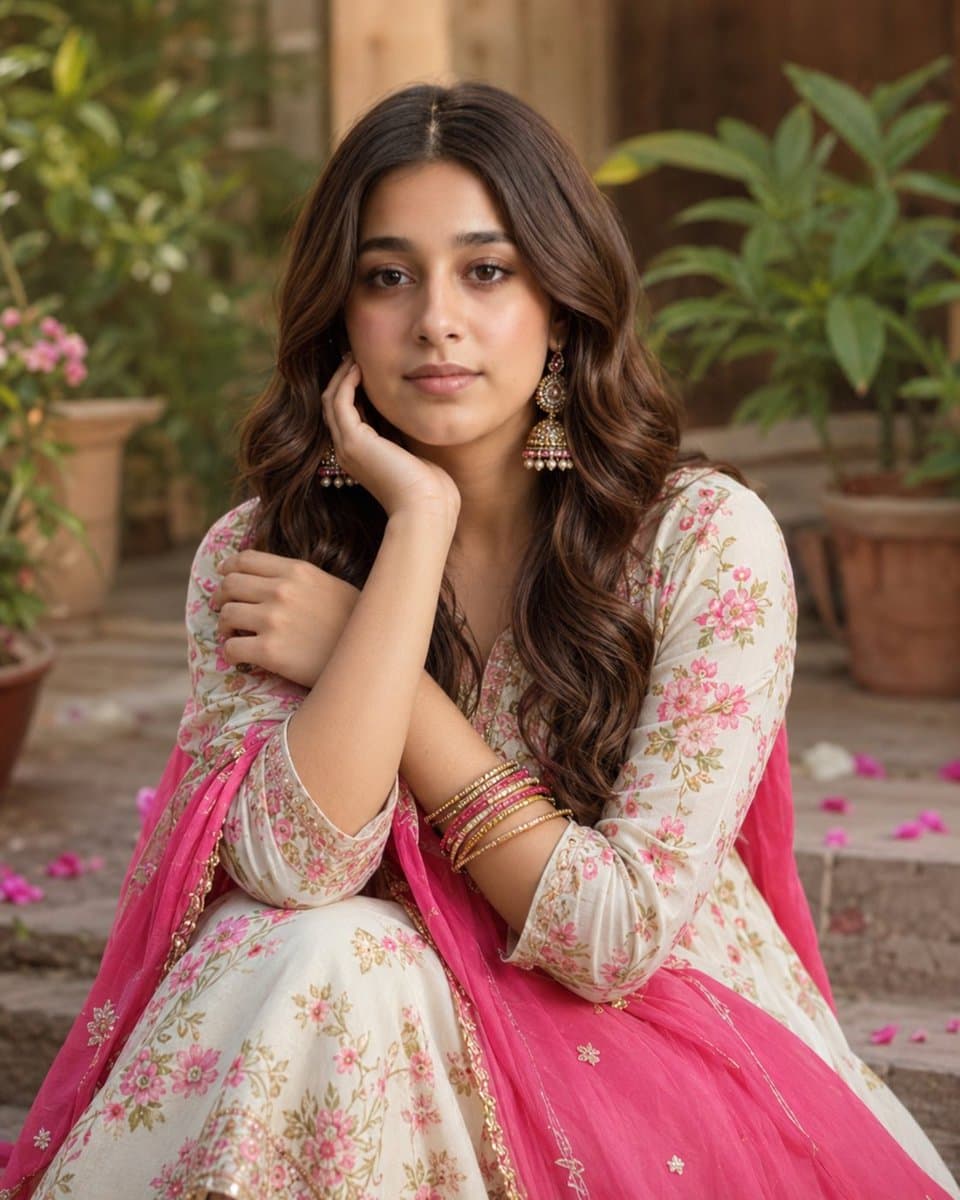
Explore a striking visual composition featuring exceptional facial identity portrait for. Experience unparalleled digital aesthetics and masterful lighting.
View prompt →This is a free AI prompt from Roopify's library. Copy, adapt, and generate your photo in seconds.