Social Media Post
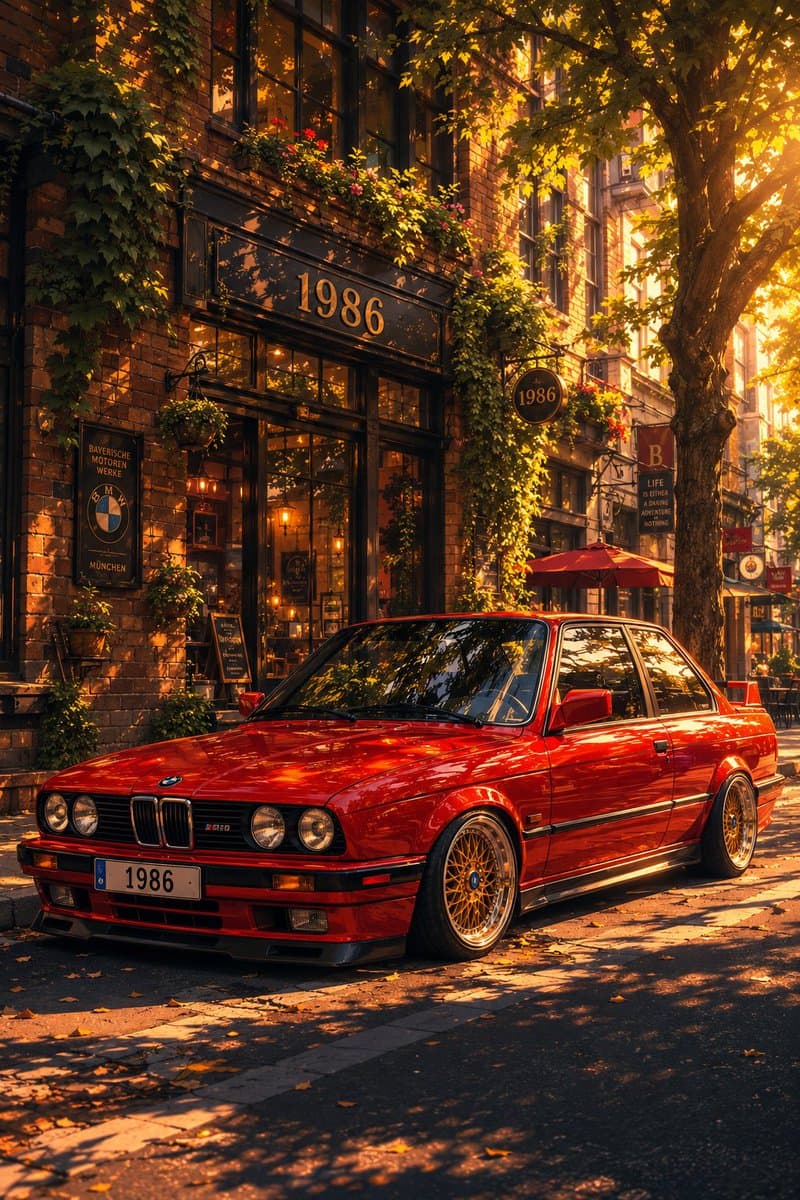
Classic Bmw E30 Urban Illustration Gallery
Step into a world of intricate details with this classic bmw e30 urban illustration gallery. Designed for absolute visual perfection and artistic expression.
View prompt →Immerse yourself in this breathtaking selective color street motion portrait. Every visual element is crafted with exquisite detail and highly intricate aesthetics.
A cinematic street portrait of a beautiful young woman wearing a {argument name="clothing color" default="vibrant mustard yellow coat"} while walking through a busy city crowd. The woman remains perfectly sharp and in focus as the surrounding pedestrians dissolve into dramatic horizontal motion blur, creating a powerful sense of movement and isolation. {argument name="effect" default="Selective color effect: the entire scene is monochrome black and white except for the rich golden yellow coat"}, which becomes the only vibrant color in the frame.\n\nCaptured from a side profile with a {argument name="lens" default="50mm lens"}, shallow depth of field, natural overcast lighting, realistic skin texture, wind blown short wavy hair, subtle emotional expression, elegant shoulder bag, modern urban fashion, soft cinematic contrast, high dynamic range, ultra photorealistic, editorial fashion photography, magazine cover quality, Leica look, Kodak Portra inspired tones, crisp facial details, panning photography effect, long exposure motion blur, minimal composition, premium fine art street photography, 8K, award winning photography.\n\nCamera Settings:\nSony A7R V, 50mm f/1.4 lens, f/1.8, ISO 100, 1/15s shutter, eye level composition, natural ambient light, ultra high detail.\n\nColor Treatment:\nSelective color (yellow coat only), monochrome city, grayscale crowd, cinematic black and white background, rich golden fabric texture.

A cinematic street portrait of a beautiful young woman wearing a {argument name="clothing color" default="vibrant mustard yellow coat"} while walking through a busy city crowd. The woman remains perfectly sharp and in focus as the surrounding pedestrians dissolve into dramatic horizontal motion blur, creating a powerful sense of movement and isolation. {argument name="effect" default="Selective color effect: the entire scene is monochrome black and white except for the rich golden yellow coat"}, which becomes the only vibrant color in the frame.\n\nCaptured from a side profile with a {argument name="lens" default="50mm lens"}, shallow depth of field, natural overcast lighting, realistic skin texture, wind blown short wavy hair, subtle emotional expression, elegant shoulder bag, modern urban fashion, soft cinematic contrast, high dynamic range, ultra photorealistic, editorial fashion photography, magazine cover quality, Leica look, Kodak Portra inspired tones, crisp facial details, panning photography effect, long exposure motion blur, minimal composition, premium fine art street photography, 8K, award winning photography.\n\nCamera Settings:\nSony A7R V, 50mm f/1.4 lens, f/1.8, ISO 100, 1/15s shutter, eye level composition, natural ambient light, ultra high detail.\n\nColor Treatment:\nSelective color (yellow coat only), monochrome city, grayscale crowd, cinematic black and white background, rich golden fabric texture.Immerse yourself in this breathtaking selective color street motion portrait. Every visual element is crafted with exquisite detail and highly intricate aesthetics.
Copy the full prompt
Use the copy button above to grab the complete prompt text.
Open Roopify AI
Click Generate image for free, optionally upload your photo, and generate with this prompt applied.
Customize and create
Swap the subject, style, or details to fit your idea, then generate your photo.
More prompts
Step into a world of intricate details with this classic bmw e30 urban illustration gallery. Designed for absolute visual perfection and artistic expression.
View prompt →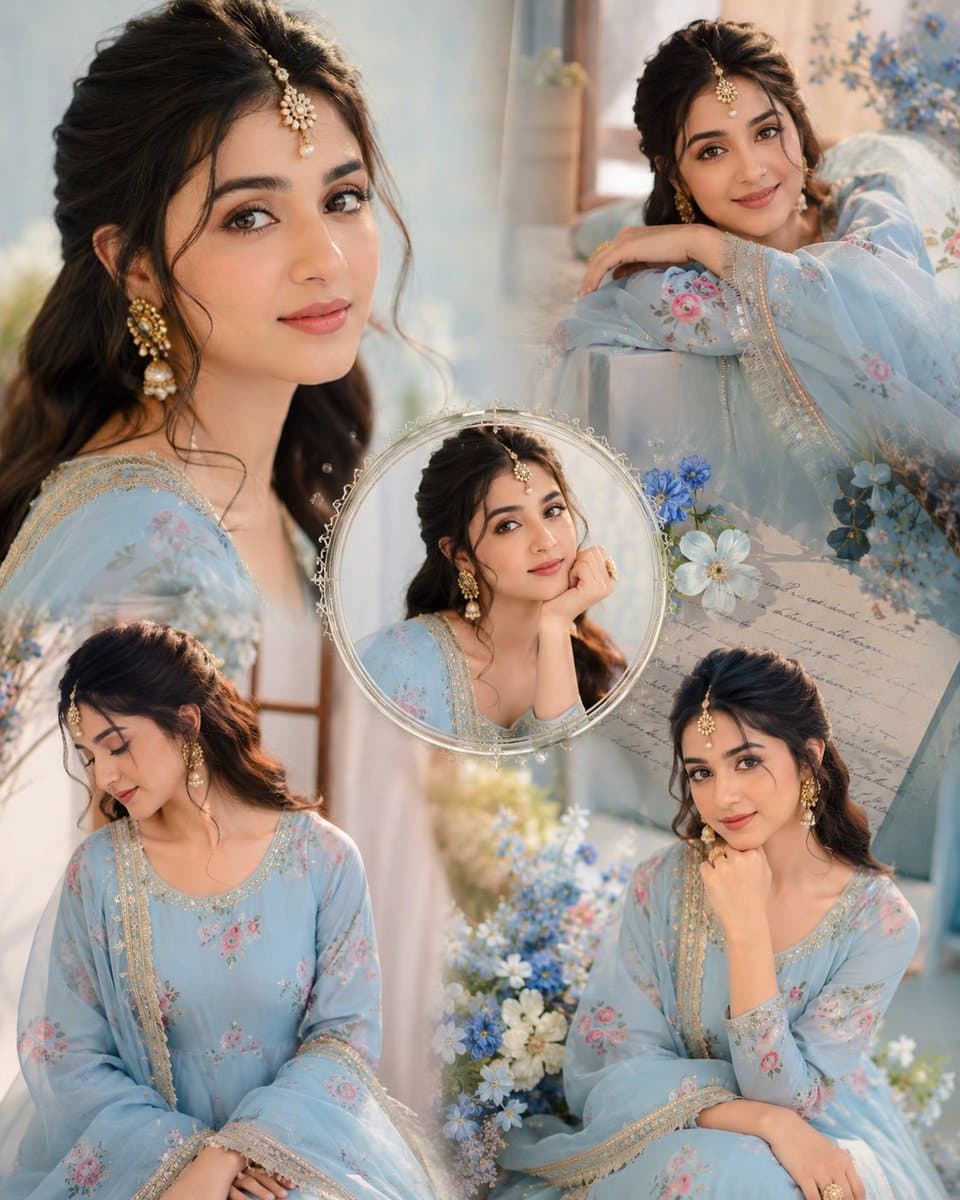
Immerse yourself in this breathtaking indian anarkali fashion collage visuals. Every visual element is crafted with exquisite detail and highly intricate aesthetics.
View prompt →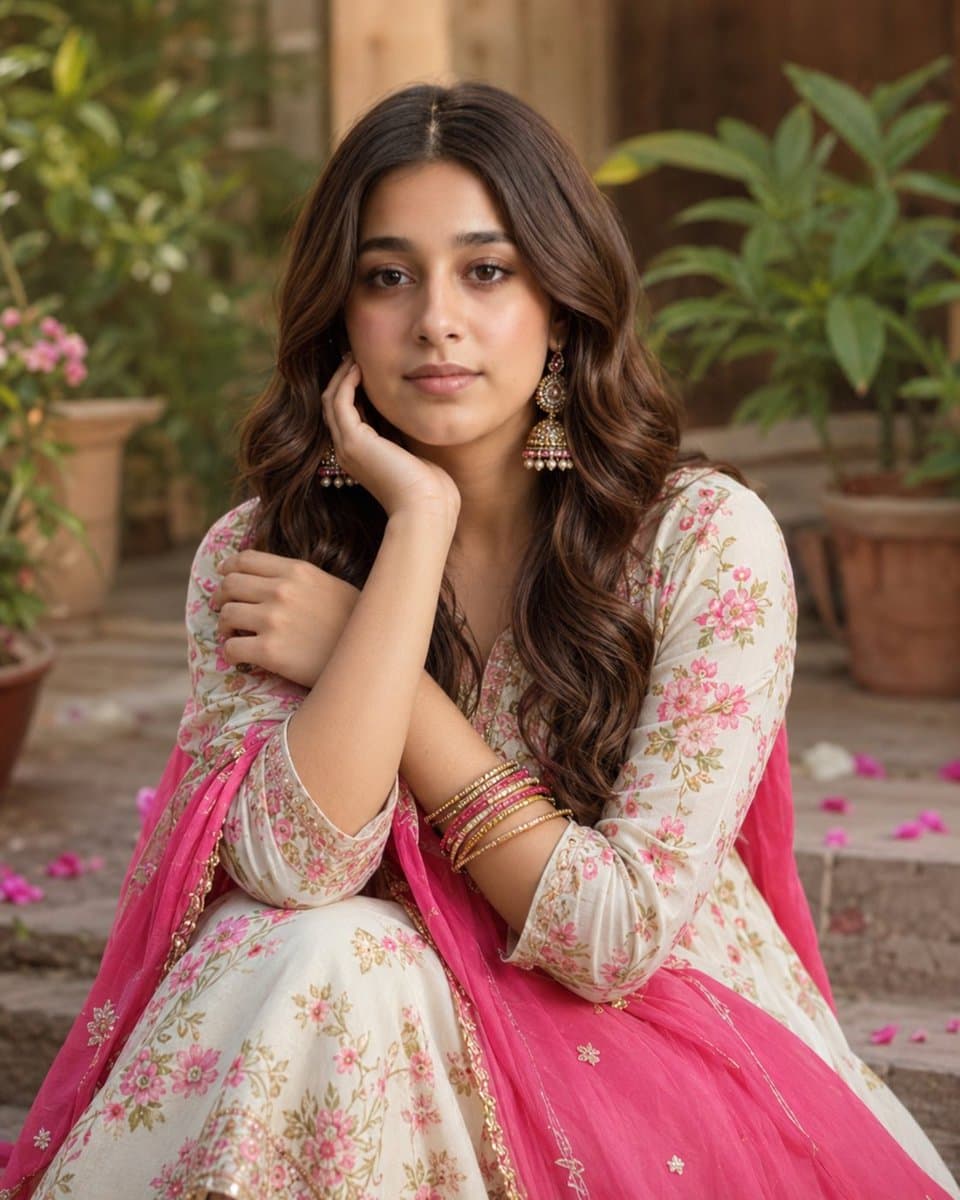
Explore a striking visual composition featuring exceptional facial identity portrait for. Experience unparalleled digital aesthetics and masterful lighting.
View prompt →This is a free AI prompt from Roopify's library. Copy, adapt, and generate your photo in seconds.