Social Media Post
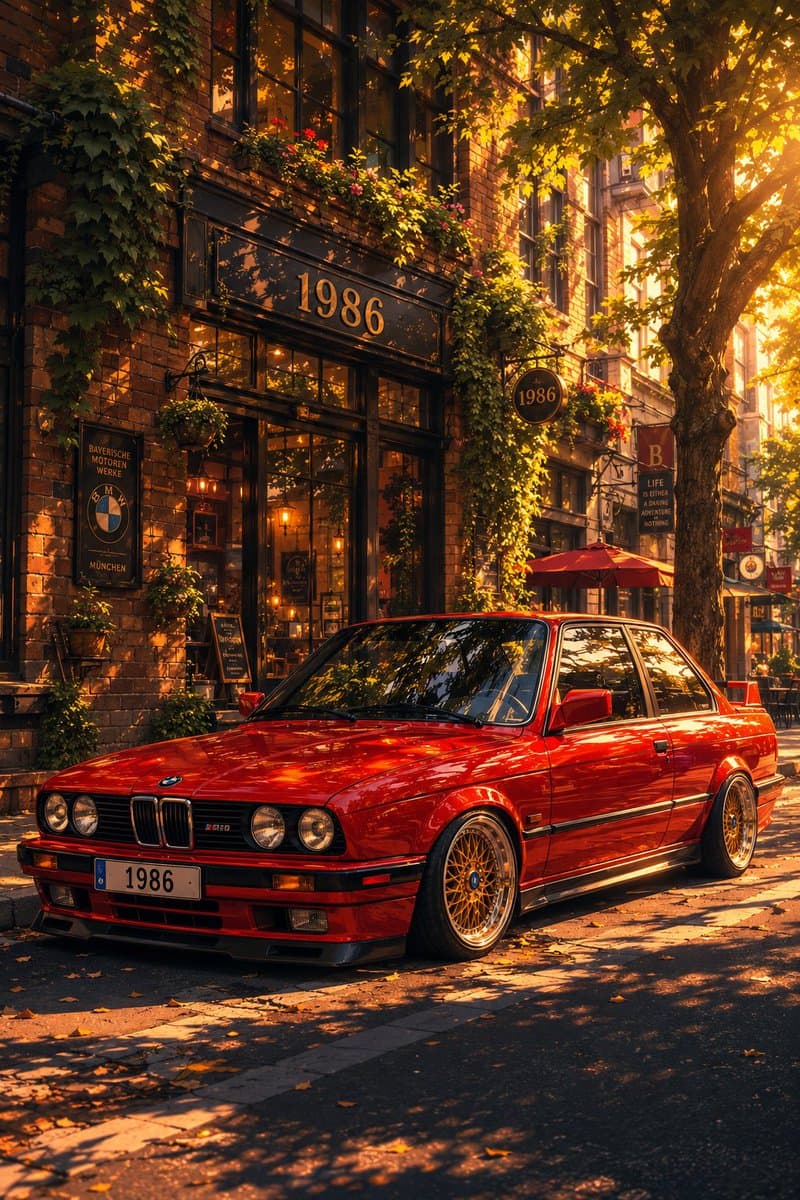
Classic Bmw E30 Urban Illustration Gallery
Step into a world of intricate details with this classic bmw e30 urban illustration gallery. Designed for absolute visual perfection and artistic expression.
View prompt →Discover incredible digital aesthetics with this my api stack two panel illustration artwork. A beautifully crafted artwork highlighting meticulous details and vibrant scenery.
Goal: Create a wide two panel hand drawn social media illustration explaining {argument name="headline text" default="My API Stack"} on the left and showing a warm parent child repair scene on the right. Canvas: Horizontal 2:1 aspect ratio, split exactly down the center into two equal halves. Left half has a pale warm yellow background; right half has a pale sky blue background. Use clean ink outlines, soft pastel fills, subtle paper texture, and a friendly indie webcomic style. Left panel layout: At the top center, write the large handwritten headline “{argument name="headline text" default="My API Stack"}” in dark ink with a small underline under “API” and tiny blue accent marks on both sides. Below it, create a hub and spoke diagram with exactly 6 circular nodes connected by thin black lines: 1 large central circle and 5 smaller outer circles. Left panel node details, exactly 6 total: 1. Center large node: an illustrated bearded man in a tan baseball cap and gray shirt holding a glowing box full of small gears and a code icon, labeled “{argument name="central agent label" default="Hermes Agent"}”. Add tiny sparkles around him. 2. Upper left small node: browser window with a magnifying glass over a globe, labeled “XAI Search”. 3. Upper right small node: framed landscape image icon with a sparkle, labeled “GPT Image 2”. 4. Lower right small node: speech bubble with audio waveform, labeled “Whisper TTS/STT”. 5. Bottom small node: filmstrip/video icon with a play button, labeled “Kling 3.0 Video” with small sublabel “FAL.”. 6. Lower left small node: document/page icon with speed lines, labeled “Default Extractor” with tiny subtext “60x faster” and “49x cheaper”. Right panel subject: Draw an adult bearded man wearing a tan baseball cap, gray T shirt, dark pants, and light socks, sitting cross legged and smiling down at a small child. The child has short black bobbed hair and wears a soft yellow long sleeve outfit, sitting on the floor and holding red handled pliers. The adult holds a hammer while another hammer rests near his leg. Add exactly 4 loose tools on the floor: 1 blue handled screwdriver, 1 gray adjustable wrench, 1 gray open ended wrench, and 1 extra hammer. The scene should feel gentle, instructional, and wholesome. Text: In the top right corner of the blue panel, add the handle “{argument name="social handle" default="@dadhalfdev"}” in small dark handwritten text. Constraints: Keep the split background clean with no border line other than the color change. Maintain the same character design for the central Hermes Agent and the adult on the right: bearded, tan cap, gray shirt. Avoid photorealism, avoid 3D rendering, avoid extra nodes, avoid additional labels, and keep all text legible.
Goal: Create a wide two panel hand drawn social media illustration explaining {argument name="headline text" default="My API Stack"} on the left and showing a warm parent child repair scene on the right. Canvas: Horizontal 2:1 aspect ratio, split exactly down the center into two equal halves. Left half has a pale warm yellow background; right half has a pale sky blue background. Use clean ink outlines, soft pastel fills, subtle paper texture, and a friendly indie webcomic style. Left panel layout: At the top center, write the large handwritten headline “{argument name="headline text" default="My API Stack"}” in dark ink with a small underline under “API” and tiny blue accent marks on both sides. Below it, create a hub and spoke diagram with exactly 6 circular nodes connected by thin black lines: 1 large central circle and 5 smaller outer circles. Left panel node details, exactly 6 total: 1. Center large node: an illustrated bearded man in a tan baseball cap and gray shirt holding a glowing box full of small gears and a code icon, labeled “{argument name="central agent label" default="Hermes Agent"}”. Add tiny sparkles around him. 2. Upper left small node: browser window with a magnifying glass over a globe, labeled “XAI Search”. 3. Upper right small node: framed landscape image icon with a sparkle, labeled “GPT Image 2”. 4. Lower right small node: speech bubble with audio waveform, labeled “Whisper TTS/STT”. 5. Bottom small node: filmstrip/video icon with a play button, labeled “Kling 3.0 Video” with small sublabel “FAL.”. 6. Lower left small node: document/page icon with speed lines, labeled “Default Extractor” with tiny subtext “60x faster” and “49x cheaper”. Right panel subject: Draw an adult bearded man wearing a tan baseball cap, gray T shirt, dark pants, and light socks, sitting cross legged and smiling down at a small child. The child has short black bobbed hair and wears a soft yellow long sleeve outfit, sitting on the floor and holding red handled pliers. The adult holds a hammer while another hammer rests near his leg. Add exactly 4 loose tools on the floor: 1 blue handled screwdriver, 1 gray adjustable wrench, 1 gray open ended wrench, and 1 extra hammer. The scene should feel gentle, instructional, and wholesome. Text: In the top right corner of the blue panel, add the handle “{argument name="social handle" default="@dadhalfdev"}” in small dark handwritten text. Constraints: Keep the split background clean with no border line other than the color change. Maintain the same character design for the central Hermes Agent and the adult on the right: bearded, tan cap, gray shirt. Avoid photorealism, avoid 3D rendering, avoid extra nodes, avoid additional labels, and keep all text legible.Discover incredible digital aesthetics with this my api stack two panel illustration artwork. A beautifully crafted artwork highlighting meticulous details and vibrant scenery.
Copy the full prompt
Use the copy button above to grab the complete prompt text.
Open Roopify AI
Click Generate image for free, optionally upload your photo, and generate with this prompt applied.
Customize and create
Swap the subject, style, or details to fit your idea, then generate your photo.
More prompts
Step into a world of intricate details with this classic bmw e30 urban illustration gallery. Designed for absolute visual perfection and artistic expression.
View prompt →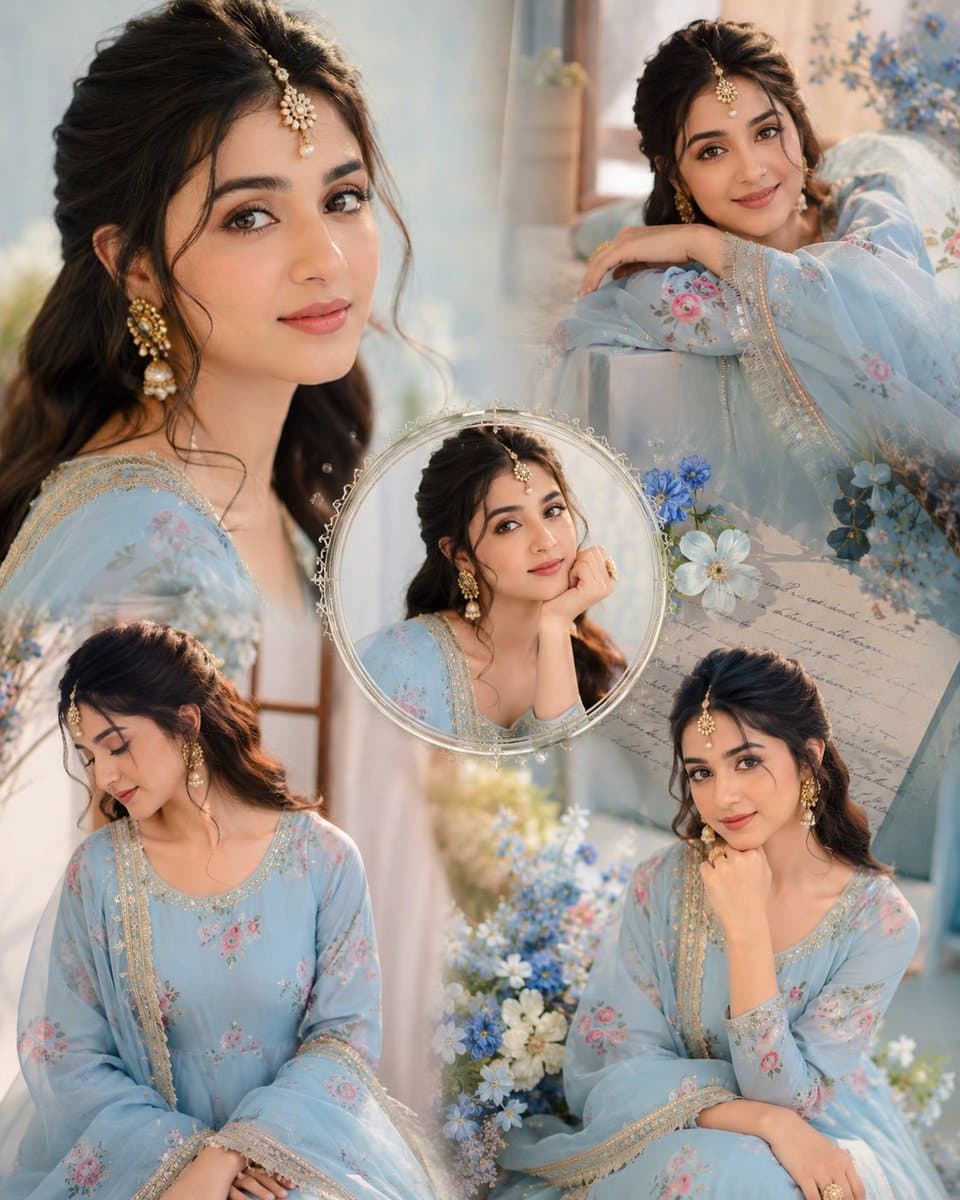
Immerse yourself in this breathtaking indian anarkali fashion collage visuals. Every visual element is crafted with exquisite detail and highly intricate aesthetics.
View prompt →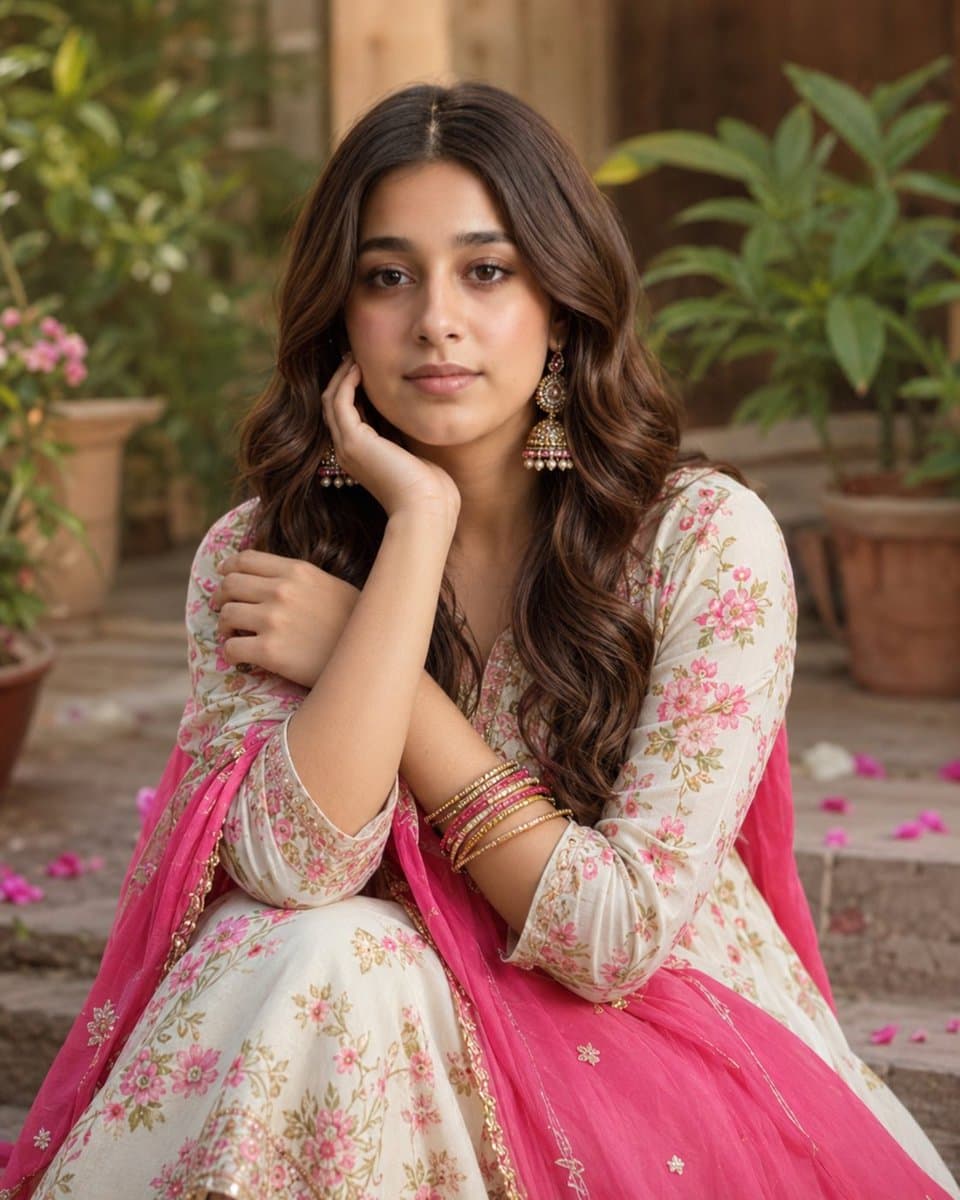
Explore a striking visual composition featuring exceptional facial identity portrait for. Experience unparalleled digital aesthetics and masterful lighting.
View prompt →This is a free AI prompt from Roopify's library. Copy, adapt, and generate your photo in seconds.