Game AssetApp / Web Design
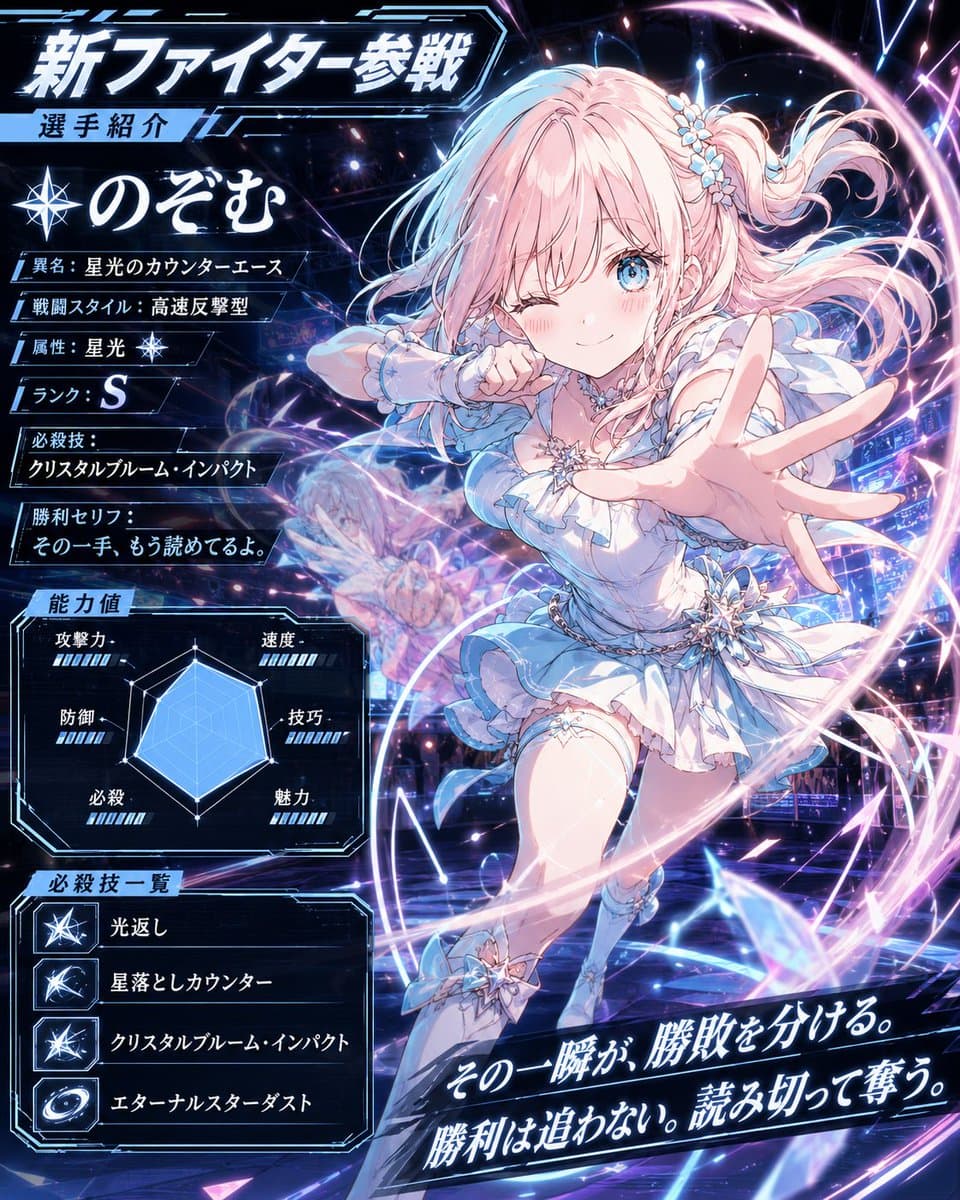
Anime Fighter Introduction Card
Explore a striking visual composition featuring anime fighter introduction card. Experience unparalleled digital aesthetics and masterful lighting.
View prompt →Step into a world of intricate details with this exceptional japanese developer comment banner. Designed for absolute visual perfection and artistic expression.
Create a transparent background decorative Japanese lower third banner for a short video overlay. Canvas: wide horizontal 3:1 ratio, about 1200×400 px, with a light gray checkerboard transparency preview behind the artwork. Main object: a cream white rounded rectangular speech bubble plaque spanning most of the width, with layered offset shadows and thin gold and pale blue outline strokes, slightly vintage stationery style. Layout: place a small tab on the upper left of the plaque containing a circular icon of a laptop with code brackets and the label {argument name="category label" default="開発者コメント"}; place the main headline centered in large elegant Japanese Mincho style calligraphy reading {argument name="headline text" default="ハイネを消す方法"}, with the characters for “消す” colored muted blue while the rest is black. On the left side inside the plaque, include exactly 1 watercolor style dolphin illustration facing right, pale blue gray. On the upper right, overlapping the plaque, add exactly 1 comic burst sticker with scalloped edges, beige outline, and handwritten text {argument name="sound effect text" default="ピコン"}, plus exactly 2 exclamation mark rays. Decorative details: include exactly 6 small sparkle stars distributed around the dolphin, headline, and right edge; exactly 1 thin blue wavy underline beneath the headline; exactly 4 tiny dots near the lower right center; subtle beige halftone dot patches on the left and right; small gold ornamental corner flourishes. Visual style: soft pastel cream, dusty blue, muted gold, clean Japanese YouTube Shorts caption graphic, gentle drop shadows, crisp vector edges mixed with light watercolor texture. Constraints: no characters or people, no extra text, keep the banner readable with generous empty space, preserve a transparent PNG overlay feel.
Create a transparent background decorative Japanese lower third banner for a short video overlay. Canvas: wide horizontal 3:1 ratio, about 1200×400 px, with a light gray checkerboard transparency preview behind the artwork. Main object: a cream white rounded rectangular speech bubble plaque spanning most of the width, with layered offset shadows and thin gold and pale blue outline strokes, slightly vintage stationery style. Layout: place a small tab on the upper left of the plaque containing a circular icon of a laptop with code brackets and the label {argument name="category label" default="開発者コメント"}; place the main headline centered in large elegant Japanese Mincho style calligraphy reading {argument name="headline text" default="ハイネを消す方法"}, with the characters for “消す” colored muted blue while the rest is black. On the left side inside the plaque, include exactly 1 watercolor style dolphin illustration facing right, pale blue gray. On the upper right, overlapping the plaque, add exactly 1 comic burst sticker with scalloped edges, beige outline, and handwritten text {argument name="sound effect text" default="ピコン"}, plus exactly 2 exclamation mark rays. Decorative details: include exactly 6 small sparkle stars distributed around the dolphin, headline, and right edge; exactly 1 thin blue wavy underline beneath the headline; exactly 4 tiny dots near the lower right center; subtle beige halftone dot patches on the left and right; small gold ornamental corner flourishes. Visual style: soft pastel cream, dusty blue, muted gold, clean Japanese YouTube Shorts caption graphic, gentle drop shadows, crisp vector edges mixed with light watercolor texture. Constraints: no characters or people, no extra text, keep the banner readable with generous empty space, preserve a transparent PNG overlay feel.Step into a world of intricate details with this exceptional japanese developer comment banner. Designed for absolute visual perfection and artistic expression.
Copy the full prompt
Use the copy button above to grab the complete prompt text.
Open Roopify AI
Click Generate image for free, optionally upload your photo, and generate with this prompt applied.
Customize and create
Swap the subject, style, or details to fit your idea, then generate your photo.
More prompts
Explore a striking visual composition featuring anime fighter introduction card. Experience unparalleled digital aesthetics and masterful lighting.
View prompt →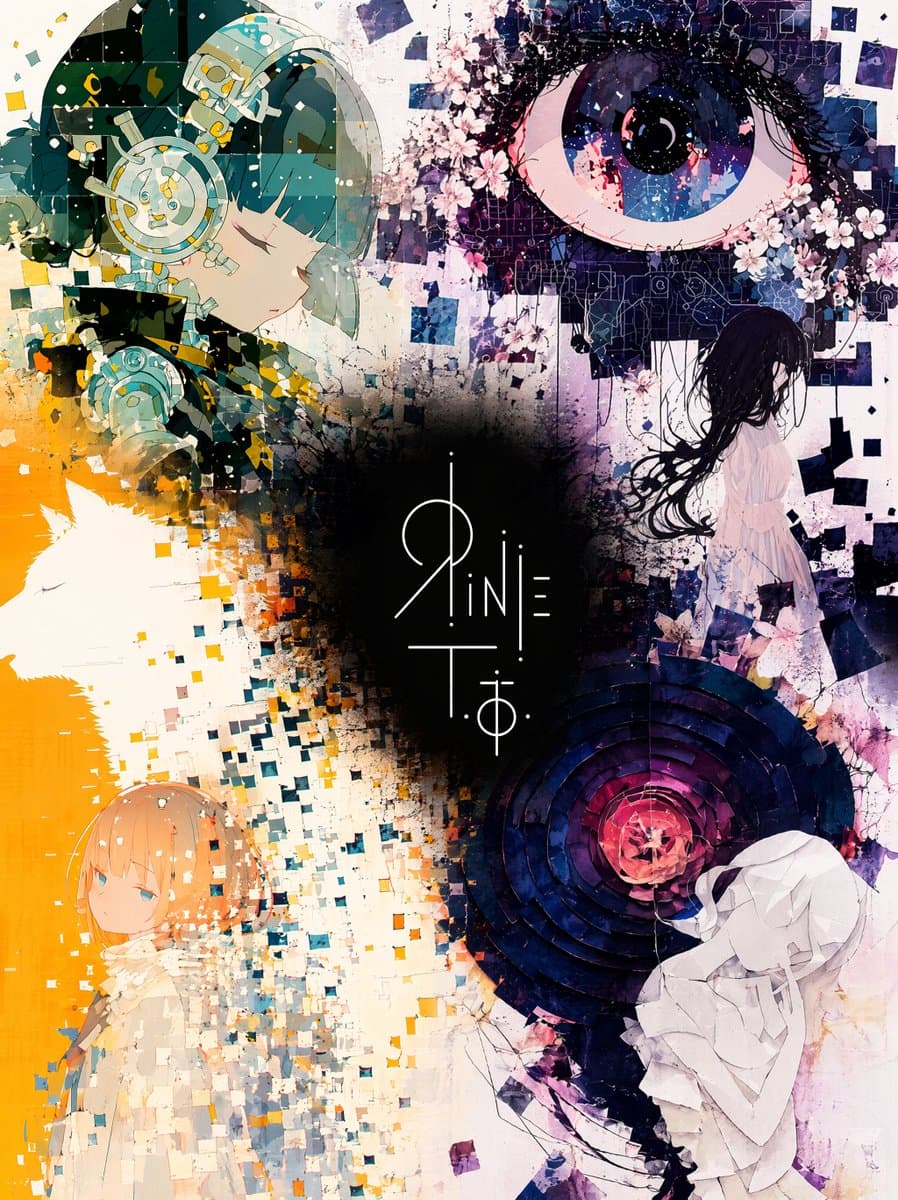
Explore a striking visual composition featuring masterful unified illustration and logo collage gallery. Experience unparalleled digital aesthetics and masterful lighting.
View prompt →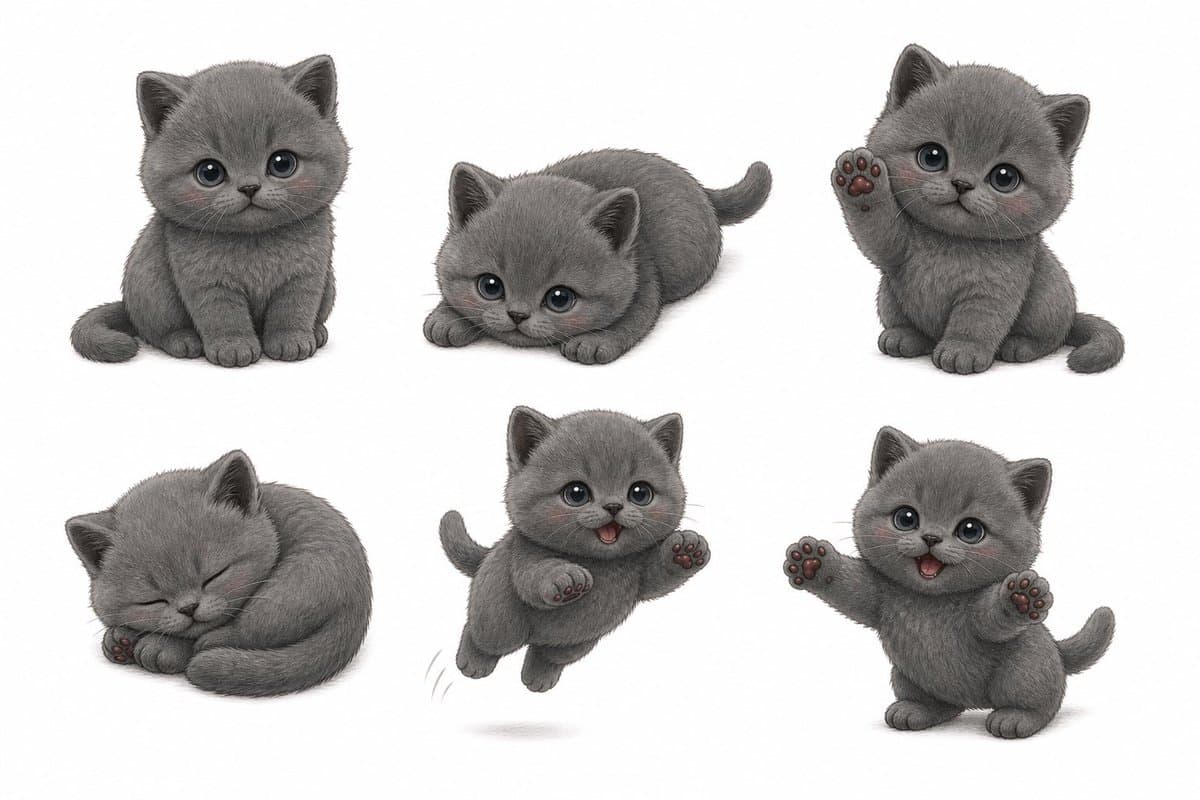
Explore a striking visual composition featuring artistic gray kitten sticker pack sheet. Experience unparalleled digital aesthetics and masterful lighting.
View prompt →This is a free AI prompt from Roopify's library. Copy, adapt, and generate your photo in seconds.