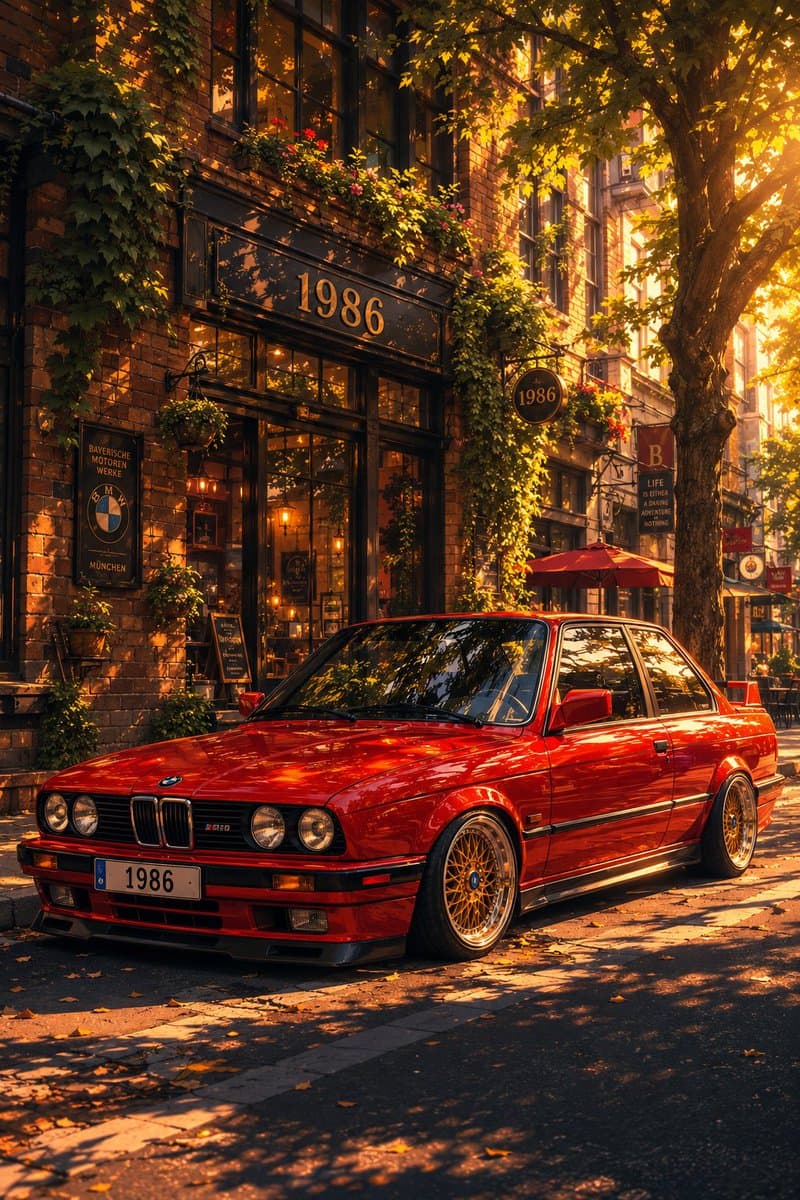
Social Media Post
Classic Bmw E30 Urban Illustration Gallery
Step into a world of intricate details with this classic bmw e30 urban illustration gallery. Designed for absolute visual perfection and artistic expression.
View prompt →Immerse yourself in this breathtaking dynamic image generator collage failure screenshot gallery. Every visual element is crafted with exquisite detail and highly intricate aesthetics.
Goal: Create a dark mode mobile chat screenshot showing an image generator response that incorrectly combines four requested images into one 2x2 collage. Canvas: Square screenshot, approximately 768×768 px, black background, cropped like a smartphone app interface in dark mode. Top card: Near the top center, place a wide dark gray rounded rectangle message card. Inside it, show the Chinese text {argument name=" text" default="生成4张独立的图片"} in white, with a thick red underline beneath it. Below that, show smaller gray text {argument name="collapse label" default="收起 ^"}. The card has a rounded lower right corner and sits against empty black space. Status line: On the left below the card, add a small gray status label {argument name="status text" default="已停止思考 ›"}. Main generated image area: Under the status line on the left, show exactly 1 rounded corner generated image panel containing exactly 4 photo tiles arranged in a 2×2 grid, separated by thin white dividers. Each tile shows the same young woman in a bright beverage shop setting, but with slightly different pose and drink: 1. Top left tile: smiling young woman with double bun hairstyle, pink sleeveless crop top and white pleated skirt, leaning forward and holding a red iced drink with a straw, menu board behind her. 2. Top right tile: same woman holding an amber bubble tea or juice drink, neon sign behind her, night street shop lighting. 3. Bottom left tile: same woman holding a large orange drink with both hands, colorful drink menu and neon lights behind her. 4. Bottom right tile: same woman holding a pale pink drink, refrigerated display case behind her. The woman should have fair skin, soft glam makeup, brown hair in two messy buns with small hair accessories, a cheerful expression, and a cute influencer style pose. The photo style is glossy, overexposed, saturated, and slightly unrealistic, like an generated social media portrait collage. Overlay controls: Add one small circular download button with a downward arrow at the lower right corner of the collage image. Bottom input bar: Across the bottom, draw a long dark gray rounded input bar. It contains exactly 5 visible elements: a plus icon on the far left, placeholder text {argument name="input placeholder" default="有问题,尽管问"}, a speed mode label {argument name="speed mode label" default="极速⌄"}, a microphone icon, and a white circular voice wave button on the far right. Visual style: Preserve the look of a real mobile app screenshot: black empty negative space on the right, subtle gray UI text, rounded rectangles, clean sans serif font, and slightly compressed screenshot quality. Do not create four separate files; the visual joke is that the four images are fused into one collage.
Goal: Create a dark mode mobile chat screenshot showing an image generator response that incorrectly combines four requested images into one 2x2 collage. Canvas: Square screenshot, approximately 768×768 px, black background, cropped like a smartphone app interface in dark mode. Top card: Near the top center, place a wide dark gray rounded rectangle message card. Inside it, show the Chinese text {argument name=" text" default="生成4张独立的图片"} in white, with a thick red underline beneath it. Below that, show smaller gray text {argument name="collapse label" default="收起 ^"}. The card has a rounded lower right corner and sits against empty black space. Status line: On the left below the card, add a small gray status label {argument name="status text" default="已停止思考 ›"}. Main generated image area: Under the status line on the left, show exactly 1 rounded corner generated image panel containing exactly 4 photo tiles arranged in a 2×2 grid, separated by thin white dividers. Each tile shows the same young woman in a bright beverage shop setting, but with slightly different pose and drink: 1. Top left tile: smiling young woman with double bun hairstyle, pink sleeveless crop top and white pleated skirt, leaning forward and holding a red iced drink with a straw, menu board behind her. 2. Top right tile: same woman holding an amber bubble tea or juice drink, neon sign behind her, night street shop lighting. 3. Bottom left tile: same woman holding a large orange drink with both hands, colorful drink menu and neon lights behind her. 4. Bottom right tile: same woman holding a pale pink drink, refrigerated display case behind her. The woman should have fair skin, soft glam makeup, brown hair in two messy buns with small hair accessories, a cheerful expression, and a cute influencer style pose. The photo style is glossy, overexposed, saturated, and slightly unrealistic, like an generated social media portrait collage. Overlay controls: Add one small circular download button with a downward arrow at the lower right corner of the collage image. Bottom input bar: Across the bottom, draw a long dark gray rounded input bar. It contains exactly 5 visible elements: a plus icon on the far left, placeholder text {argument name="input placeholder" default="有问题,尽管问"}, a speed mode label {argument name="speed mode label" default="极速⌄"}, a microphone icon, and a white circular voice wave button on the far right. Visual style: Preserve the look of a real mobile app screenshot: black empty negative space on the right, subtle gray UI text, rounded rectangles, clean sans serif font, and slightly compressed screenshot quality. Do not create four separate files; the visual joke is that the four images are fused into one collage.Immerse yourself in this breathtaking dynamic image generator collage failure screenshot gallery. Every visual element is crafted with exquisite detail and highly intricate aesthetics.
Copy the full prompt
Use the copy button above to grab the complete prompt text.
Open Roopify AI
Click Generate image for free, optionally upload your photo, and generate with this prompt applied.
Customize and create
Swap the subject, style, or details to fit your idea, then generate your photo.
More prompts
Step into a world of intricate details with this classic bmw e30 urban illustration gallery. Designed for absolute visual perfection and artistic expression.
View prompt →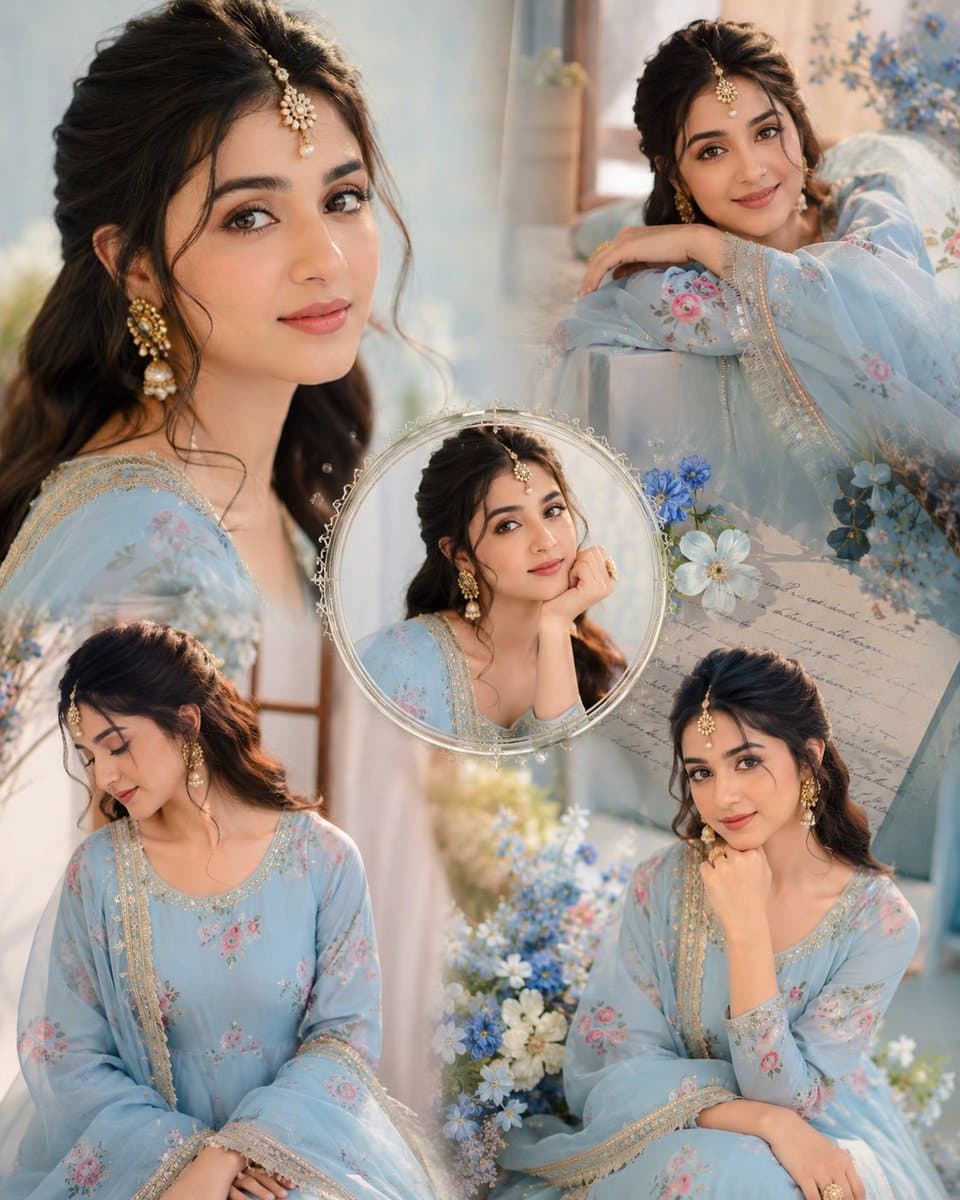
Immerse yourself in this breathtaking indian anarkali fashion collage visuals. Every visual element is crafted with exquisite detail and highly intricate aesthetics.
View prompt →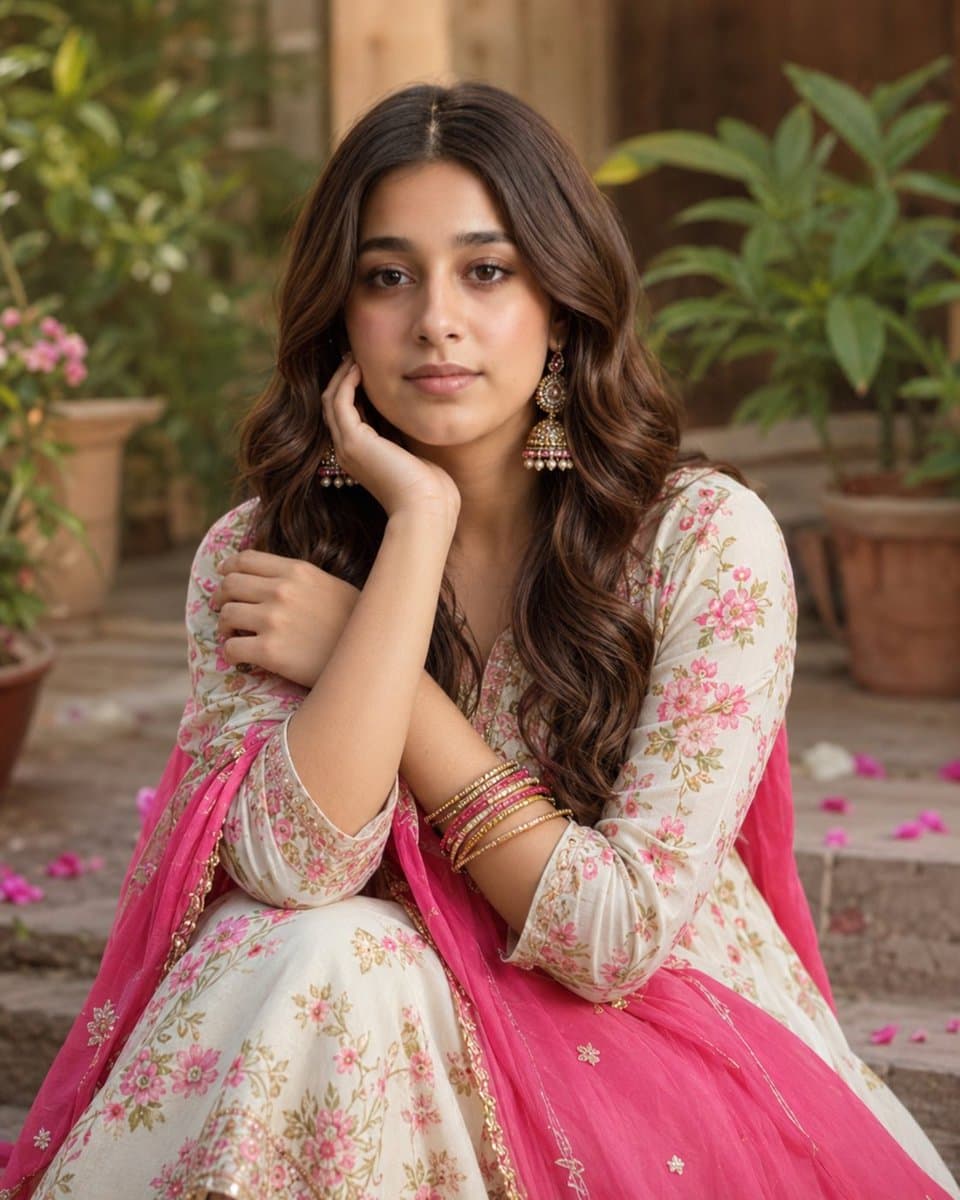
Explore a striking visual composition featuring exceptional facial identity portrait for. Experience unparalleled digital aesthetics and masterful lighting.
View prompt →This is a free AI prompt from Roopify's library. Copy, adapt, and generate your photo in seconds.