Poster / Flyer
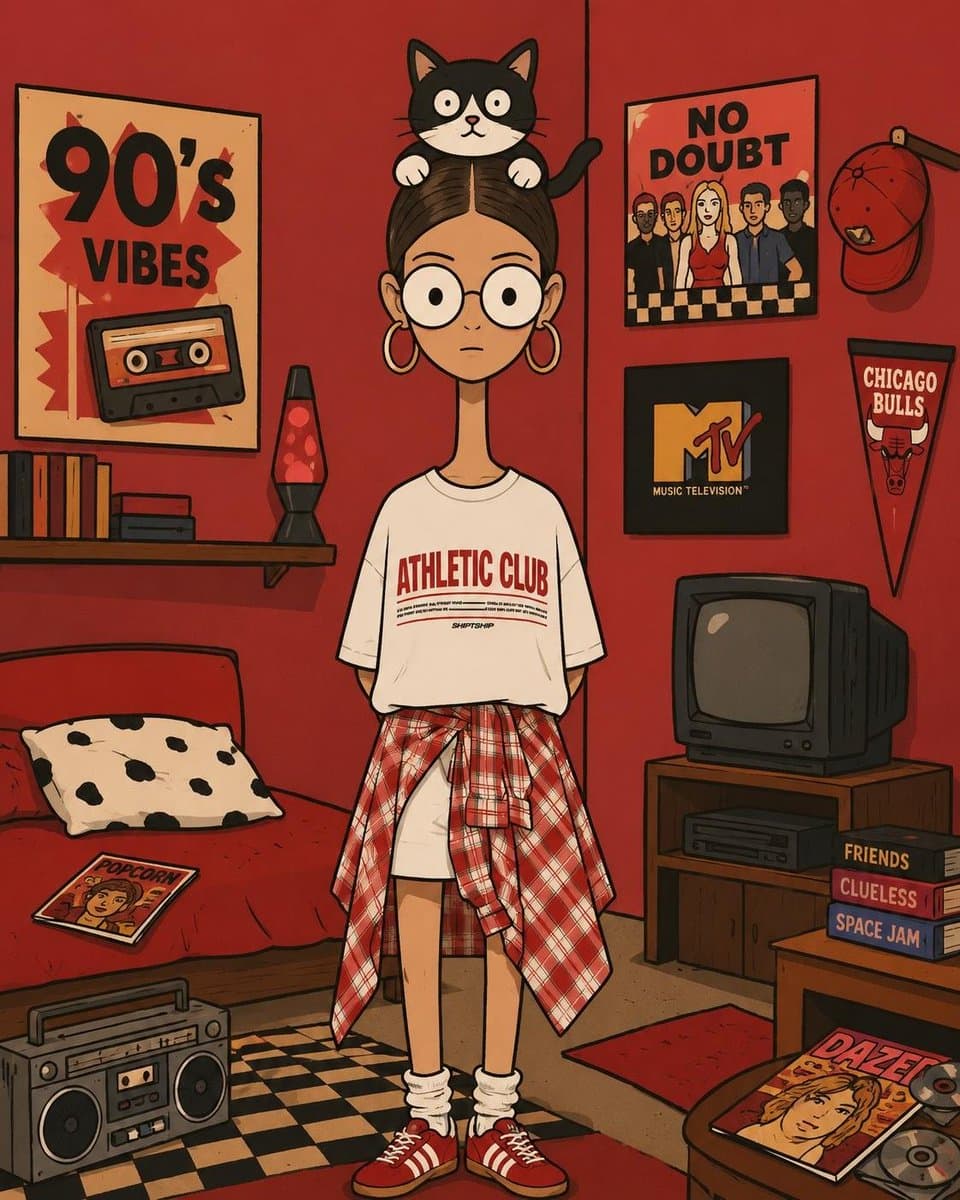
Bizarre Geometric Cartoon Portrait Masterpiece
Explore a striking visual composition featuring bizarre geometric cartoon portrait masterpiece. Experience unparalleled digital aesthetics and masterful lighting.
View prompt →Explore a striking visual composition featuring detailed children's art class enrollment poster visuals. Experience unparalleled digital aesthetics and masterful lighting.
Goal: Create a cheerful square Chinese children's art class enrollment poster for {argument name="art school name" default="星禾艺术"}, bright and playful, aimed at parents of young children. Canvas: 1:1 square poster on a warm off white background with lots of white space, rounded cartoon shapes, soft shadows, and colorful doodle decorations. Use a cute hand drawn vector illustration style with thick rounded Chinese lettering, glossy sticker like text, and saturated primary colors. Layout: Top center has a small logo area with a yellow and blue abstract swirl above the school name, the Chinese text “星禾艺术” and small pinyin “xingheyishu”. The main headline dominates the upper middle in large chunky blue characters “星禾艺术”, followed by an oversized multicolor call to action “招生啦!” with red/orange “招”, green “生”, blue “啦”, and a yellow exclamation mark. Below it place a pink stitched ribbon banner containing the offer “19.9元 2节试听课”, with “19.9” in bright yellow and the rest in white. Under the ribbon, add a dashed rounded rectangle course panel with a blue pill label “课程设置”. The panel contains exactly 6 course items in a 2 column by 3 row grid, separated by pale dashed lines: 1) yellow lightbulb icon, “艺术启蒙”; 2) purple medal icon, “艺术考级”; 3) blue pencil icon, “线描”; 4) pink tree icon, “户外美育”; 5) green easel icon, “素描”; 6) orange parent and child craft icon, “亲子手工”. Characters and decorative elements: On the left side, draw a smiling little boy in blue overalls over a yellow shirt, holding a paintbrush up in one hand and a painter’s palette with six paint blobs in the other. On the right side, draw a smiling little girl with brown hair and an orange bow, winking while holding a childlike rainbow drawing. Around the poster add exactly 12 small decorative doodles: yellow star near top left, purple star top right, orange emphasis marks near both top sides, a red heart at upper right, small yellow dot at far right, yellow star near the headline, yellow star near the banner, blue star at lower left, red star at lower right, orange paint splash at lower left, and a cluster of paintbrushes rising from the lower right corner. Text content: Use the exact visible Chinese text: {argument name="headline text" default="星禾艺术 招生啦!"}; {argument name="trial offer" default="19.9元 2节试听课"}; {argument name="course label" default="课程设置"}. Keep all course names in Chinese exactly as listed. Constraints: Make the poster family friendly, clean, high resolution, and print ready. Keep the typography large and legible, avoid photorealism, avoid extra course items or extra paragraphs of text, no watermark, no QR code.
Goal: Create a cheerful square Chinese children's art class enrollment poster for {argument name="art school name" default="星禾艺术"}, bright and playful, aimed at parents of young children. Canvas: 1:1 square poster on a warm off white background with lots of white space, rounded cartoon shapes, soft shadows, and colorful doodle decorations. Use a cute hand drawn vector illustration style with thick rounded Chinese lettering, glossy sticker like text, and saturated primary colors. Layout: Top center has a small logo area with a yellow and blue abstract swirl above the school name, the Chinese text “星禾艺术” and small pinyin “xingheyishu”. The main headline dominates the upper middle in large chunky blue characters “星禾艺术”, followed by an oversized multicolor call to action “招生啦!” with red/orange “招”, green “生”, blue “啦”, and a yellow exclamation mark. Below it place a pink stitched ribbon banner containing the offer “19.9元 2节试听课”, with “19.9” in bright yellow and the rest in white. Under the ribbon, add a dashed rounded rectangle course panel with a blue pill label “课程设置”. The panel contains exactly 6 course items in a 2 column by 3 row grid, separated by pale dashed lines: 1) yellow lightbulb icon, “艺术启蒙”; 2) purple medal icon, “艺术考级”; 3) blue pencil icon, “线描”; 4) pink tree icon, “户外美育”; 5) green easel icon, “素描”; 6) orange parent and child craft icon, “亲子手工”. Characters and decorative elements: On the left side, draw a smiling little boy in blue overalls over a yellow shirt, holding a paintbrush up in one hand and a painter’s palette with six paint blobs in the other. On the right side, draw a smiling little girl with brown hair and an orange bow, winking while holding a childlike rainbow drawing. Around the poster add exactly 12 small decorative doodles: yellow star near top left, purple star top right, orange emphasis marks near both top sides, a red heart at upper right, small yellow dot at far right, yellow star near the headline, yellow star near the banner, blue star at lower left, red star at lower right, orange paint splash at lower left, and a cluster of paintbrushes rising from the lower right corner. Text content: Use the exact visible Chinese text: {argument name="headline text" default="星禾艺术 招生啦!"}; {argument name="trial offer" default="19.9元 2节试听课"}; {argument name="course label" default="课程设置"}. Keep all course names in Chinese exactly as listed. Constraints: Make the poster family friendly, clean, high resolution, and print ready. Keep the typography large and legible, avoid photorealism, avoid extra course items or extra paragraphs of text, no watermark, no QR code.Explore a striking visual composition featuring detailed children's art class enrollment poster visuals. Experience unparalleled digital aesthetics and masterful lighting.
Copy the full prompt
Use the copy button above to grab the complete prompt text.
Open Roopify AI
Click Generate image for free, optionally upload your photo, and generate with this prompt applied.
Customize and create
Swap the subject, style, or details to fit your idea, then generate your photo.
More prompts
Explore a striking visual composition featuring bizarre geometric cartoon portrait masterpiece. Experience unparalleled digital aesthetics and masterful lighting.
View prompt →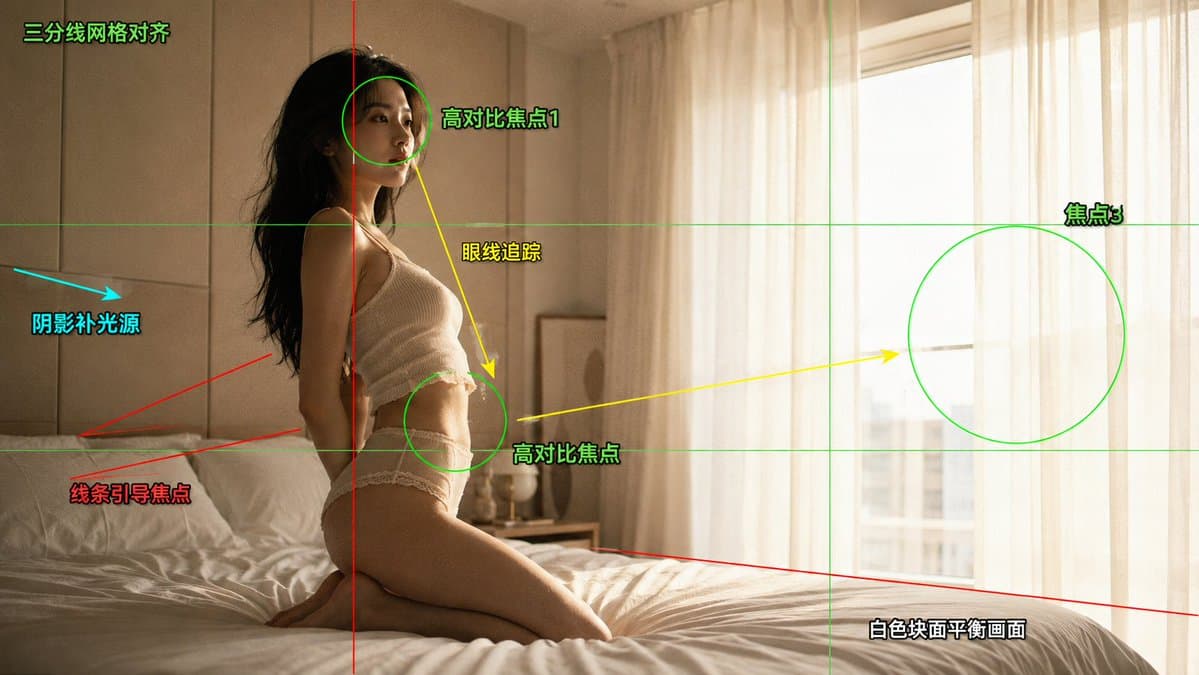
A masterful cinematic fashion editorial photography composition analysis perspective that elevates visual storytelling. This stunning gallery piece boasts exceptional detail and captivating energy.
View prompt →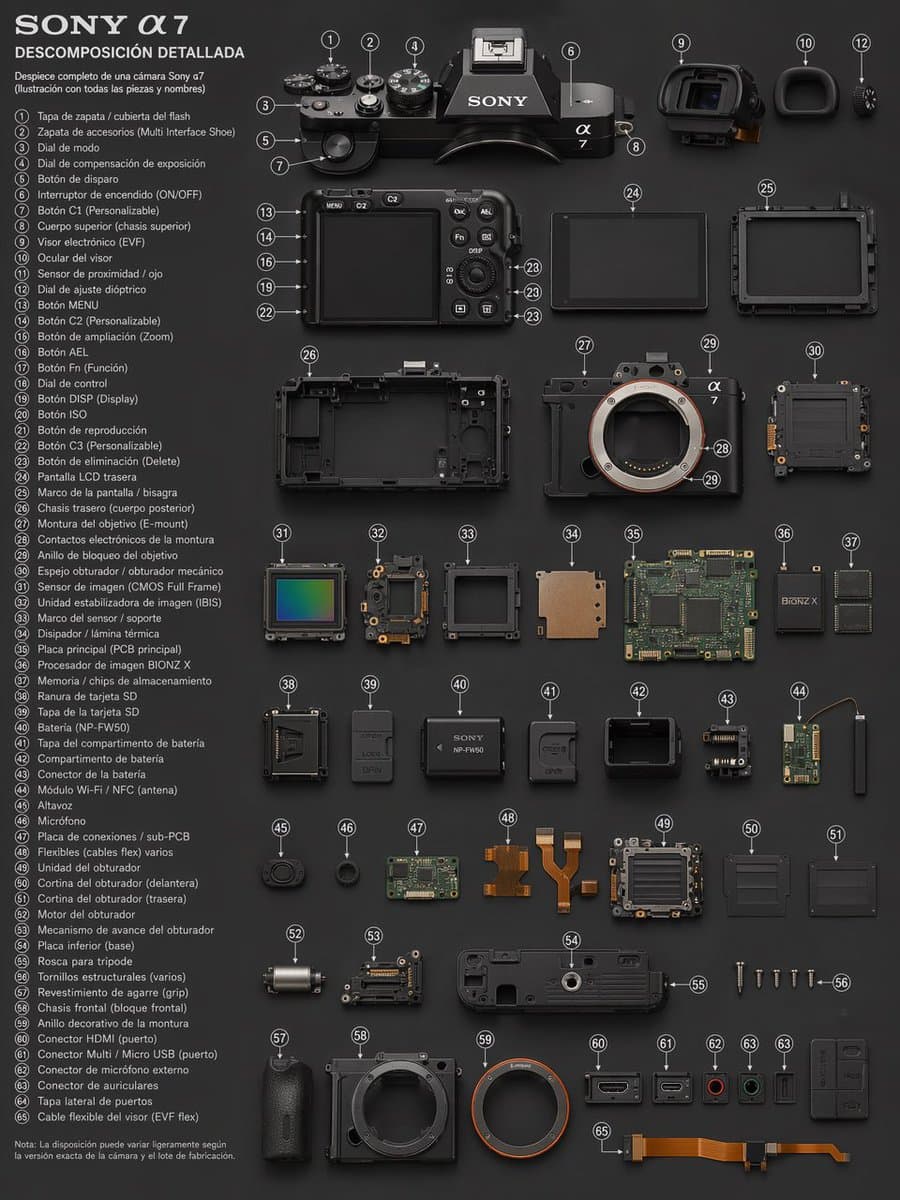
A masterful dynamic camera technical exploded view perspective that elevates visual storytelling. This stunning gallery piece boasts exceptional detail and captivating energy.
View prompt →This is a free AI prompt from Roopify's library. Copy, adapt, and generate your photo in seconds.