Social Media Post
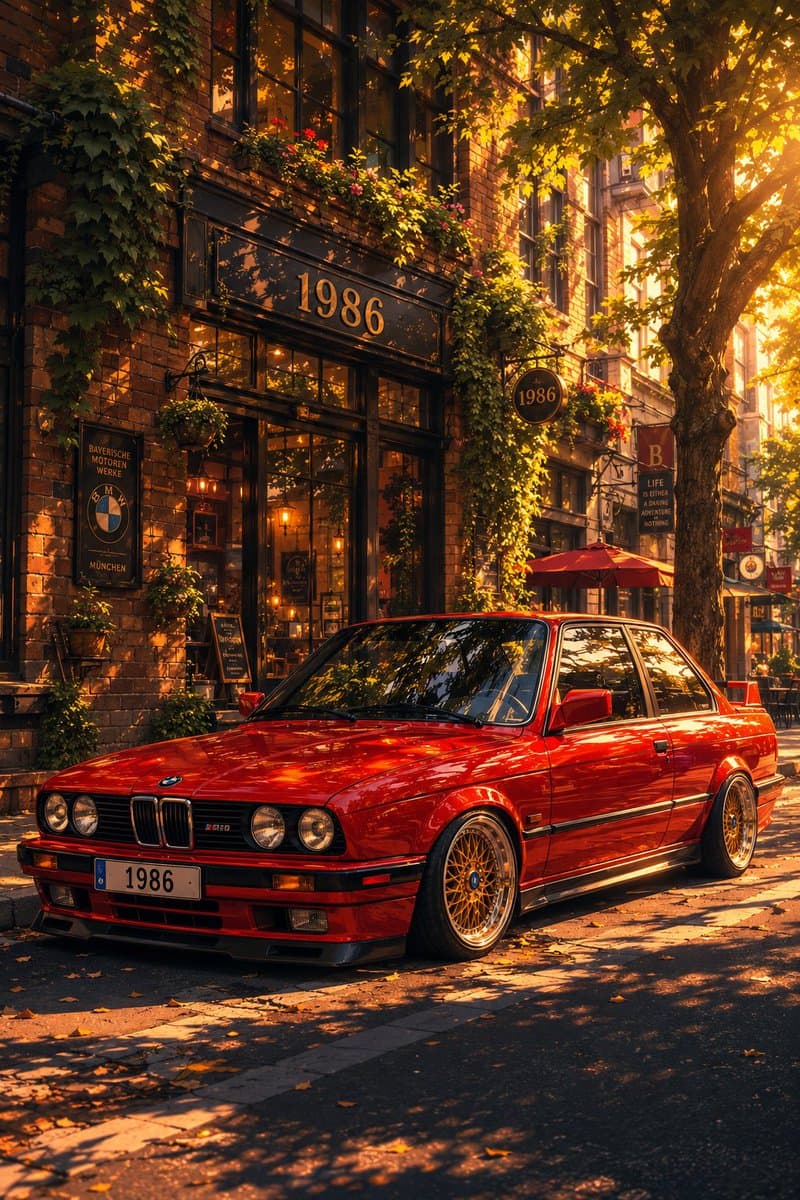
Classic Bmw E30 Urban Illustration Gallery
Step into a world of intricate details with this classic bmw e30 urban illustration gallery. Designed for absolute visual perfection and artistic expression.
View prompt →Discover incredible digital aesthetics with this casual mall selfie snapshot. A beautifully crafted artwork highlighting meticulous details and vibrant scenery.
Create a casual iPhone style ultra wide photo taken inside a modern indoor shopping mall, as if shot at chest height by a person taking a mirrorless front facing selfie with their phone. In the foreground, center a young man wearing a dark charcoal hoodie, holding a black smartphone directly in front of his face so his face is mostly hidden. The mall is bright and busy, with many shoppers walking in both directions, slight motion blur on moving people, and a polished beige stone tile floor reflecting soft overhead light. Use a wide 16:9 horizontal composition with strong central perspective leading down the main concourse. The architecture has two visible shopping levels, glass railings, dark metal beams, balconies, hanging warm string lights, planters with greenery, and a large geometric glass skylight ceiling. Include exactly five prominent recognizable storefront signs: ZARA on the left, H&M on the left center, an Apple logo store on the left center, SEPHORA on the right, and a Nike swoosh storefront on the far right. Add a central overhead sign reading {argument name="mall sign text" default="THE GALLERIA"}. Make the image look like a realistic casual smartphone snapshot rather than a staged commercial photo: natural indoor lighting, mild lens distortion, candid crowd spacing, imperfect framing, and documentary realism. The main customizable subject is {argument name="selfie subject" default="a young man in a dark charcoal hoodie"}; keep the setting as {argument name="mall type" default="a large upscale indoor shopping mall"}.
Create a casual iPhone style ultra wide photo taken inside a modern indoor shopping mall, as if shot at chest height by a person taking a mirrorless front facing selfie with their phone. In the foreground, center a young man wearing a dark charcoal hoodie, holding a black smartphone directly in front of his face so his face is mostly hidden. The mall is bright and busy, with many shoppers walking in both directions, slight motion blur on moving people, and a polished beige stone tile floor reflecting soft overhead light. Use a wide 16:9 horizontal composition with strong central perspective leading down the main concourse. The architecture has two visible shopping levels, glass railings, dark metal beams, balconies, hanging warm string lights, planters with greenery, and a large geometric glass skylight ceiling. Include exactly five prominent recognizable storefront signs: ZARA on the left, H&M on the left center, an Apple logo store on the left center, SEPHORA on the right, and a Nike swoosh storefront on the far right. Add a central overhead sign reading {argument name="mall sign text" default="THE GALLERIA"}. Make the image look like a realistic casual smartphone snapshot rather than a staged commercial photo: natural indoor lighting, mild lens distortion, candid crowd spacing, imperfect framing, and documentary realism. The main customizable subject is {argument name="selfie subject" default="a young man in a dark charcoal hoodie"}; keep the setting as {argument name="mall type" default="a large upscale indoor shopping mall"}.Discover incredible digital aesthetics with this casual mall selfie snapshot. A beautifully crafted artwork highlighting meticulous details and vibrant scenery.
Copy the full prompt
Use the copy button above to grab the complete prompt text.
Open Roopify AI
Click Generate image for free, optionally upload your photo, and generate with this prompt applied.
Customize and create
Swap the subject, style, or details to fit your idea, then generate your photo.
More prompts
Step into a world of intricate details with this classic bmw e30 urban illustration gallery. Designed for absolute visual perfection and artistic expression.
View prompt →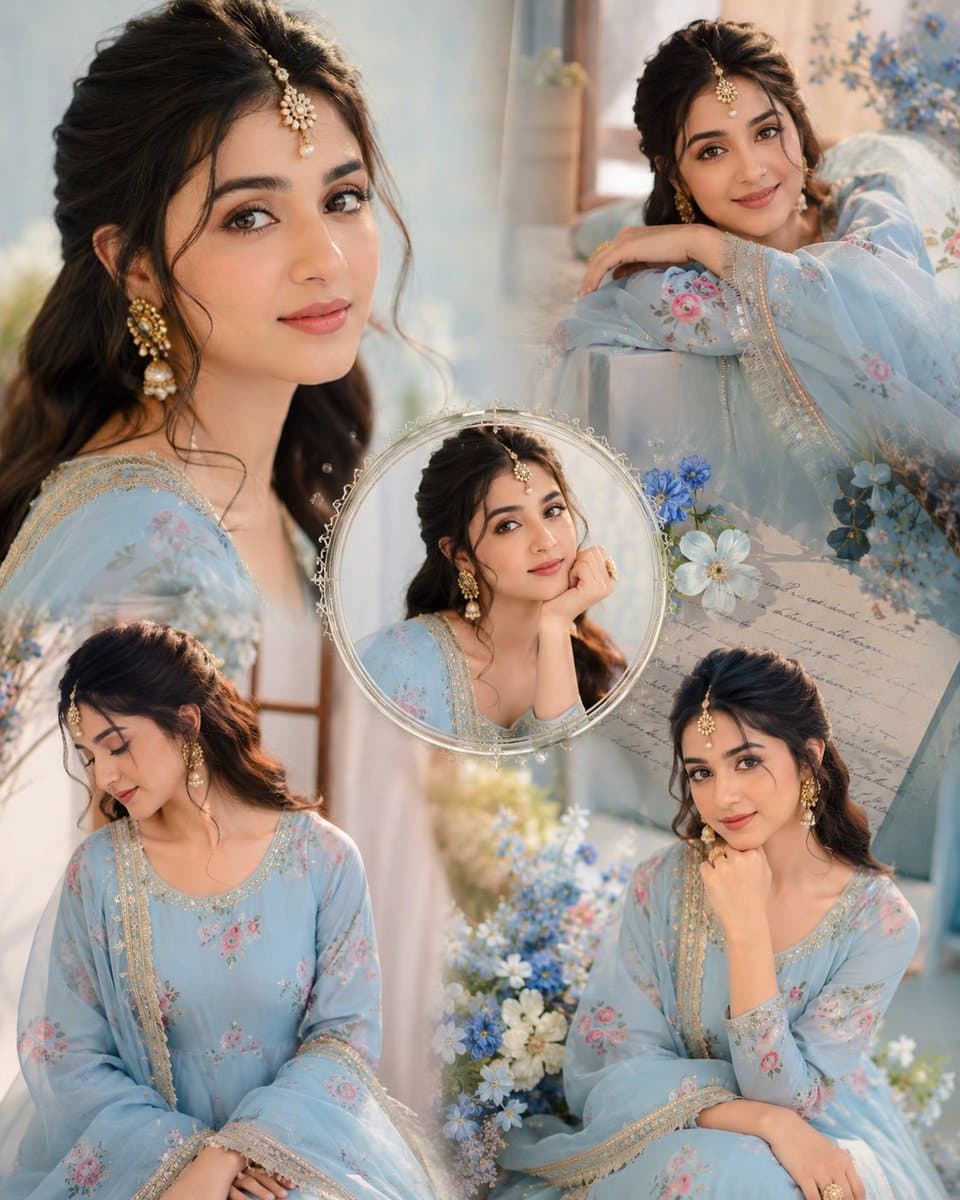
Immerse yourself in this breathtaking indian anarkali fashion collage visuals. Every visual element is crafted with exquisite detail and highly intricate aesthetics.
View prompt →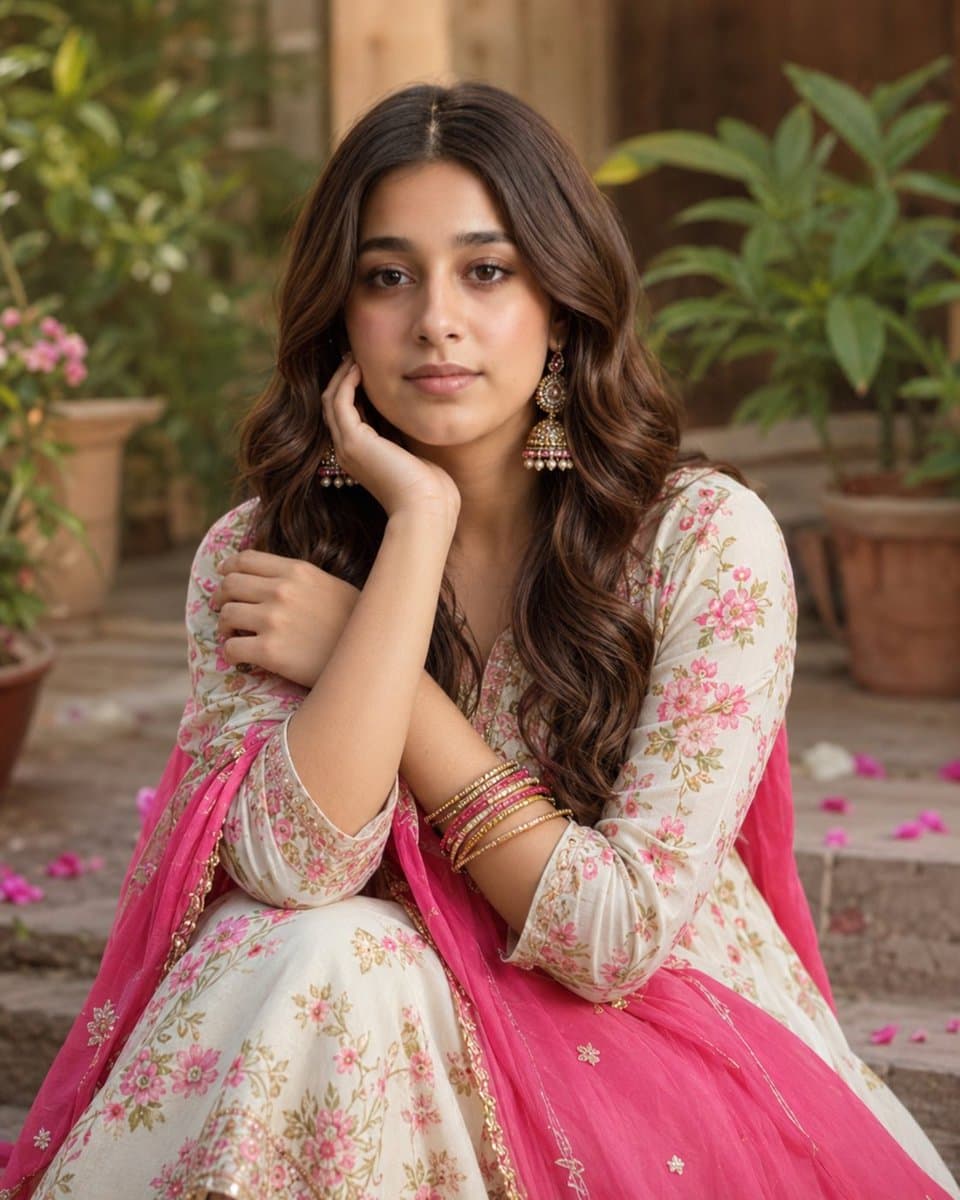
Explore a striking visual composition featuring exceptional facial identity portrait for. Experience unparalleled digital aesthetics and masterful lighting.
View prompt →This is a free AI prompt from Roopify's library. Copy, adapt, and generate your photo in seconds.