Social Media Post
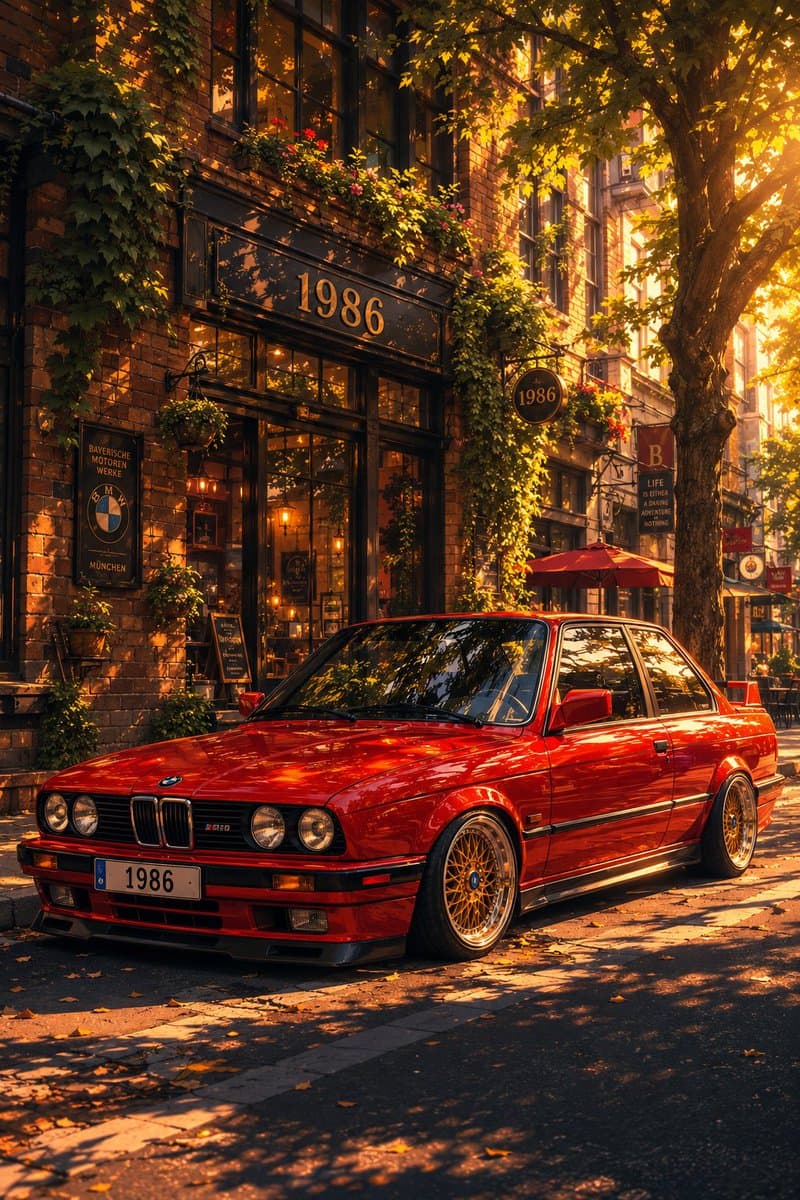
Classic Bmw E30 Urban Illustration Gallery
Step into a world of intricate details with this classic bmw e30 urban illustration gallery. Designed for absolute visual perfection and artistic expression.
View prompt →Immerse yourself in this breathtaking captivating cozy café chat screenshot. Every visual element is crafted with exquisite detail and highly intricate aesthetics.
Goal: Create a dark mode mobile chat interface screenshot showing an image generation result for an article illustration. Canvas: Portrait smartphone screenshot, 896×768 style crop, black background, with a large rounded dark gray bubble near the top and a generated image preview card below it. Leave generous black margins around both cards. Top bubble: One charcoal gray rounded rectangle aligned toward the upper right, partly cropped at the very top. It contains white and gray text in English, including the visible lines: “slight angle, looking at the café window with a slightly uncertain posture”, a standalone dash, “hands in pockets or arms crossed. Warm light glowing”, and a dimmer line “from inside the café.” At the bottom of this bubble, include the Japanese UI text “表示を増やす” with a small downward chevron. Generated image card: One large rounded rectangle image preview beneath the bubble, with strongly rounded corners. Inside it, paint a soft, warm, nostalgic watercolor style illustration of {argument name="scene subject" default="a young woman standing alone outside a small neighborhood café at dusk"}. The woman is viewed from behind at a slight angle, looking into the café window with a hesitant, uncertain posture. She has dark hair tied in a low bun, wears a long beige coat over a dark ankle length skirt, white shoes, and carries a cream tote bag over one shoulder; her hands are in her coat pockets. The café façade has large glass windows, weathered wooden double doors, warm amber interior lighting, pendant lamps, shelves, a coffee counter, faint customers or staff silhouettes, and a chalkboard menu inside. The street is quiet and slightly rainy or overcast, with utility poles, overhead wires, narrow sidewalk, muted buildings receding into the distance, and a pale evening sky. Add exactly 8 visible plant containers around the storefront: 2 taller shrubs flanking the window/door area, 3 medium pots near the right side, 1 small white pot near the bench, 1 planter near the sidewalk sign, and 1 low pot by the step. Add exactly 2 street side objects in front of the café: a small wooden bench and a black A frame chalkboard sign. Overlay UI on image card: Add exactly 2 circular translucent buttons on top of the image: a bottom left button labeled “編集” and a bottom right share/upload icon button. Keep the buttons subtle, light gray, and semi transparent. Visual style: Gentle Japanese urban slice of life illustration, muted beige and gray palette, warm café glow, painterly watercolor texture, soft edges, slightly grainy paper feel, atmospheric and cute but realistic. The image preview should look like a finished generated illustration embedded in a chat app, not a full bleed artwork. Constraints: Use only the visible UI elements described: 1 top bubble, 1 generated image card, 2 overlay buttons, and the Japanese text labels exactly as written. No extra captions, no watermark, no app logo.
Goal: Create a dark mode mobile chat interface screenshot showing an image generation result for an article illustration. Canvas: Portrait smartphone screenshot, 896×768 style crop, black background, with a large rounded dark gray bubble near the top and a generated image preview card below it. Leave generous black margins around both cards. Top bubble: One charcoal gray rounded rectangle aligned toward the upper right, partly cropped at the very top. It contains white and gray text in English, including the visible lines: “slight angle, looking at the café window with a slightly uncertain posture”, a standalone dash, “hands in pockets or arms crossed. Warm light glowing”, and a dimmer line “from inside the café.” At the bottom of this bubble, include the Japanese UI text “表示を増やす” with a small downward chevron. Generated image card: One large rounded rectangle image preview beneath the bubble, with strongly rounded corners. Inside it, paint a soft, warm, nostalgic watercolor style illustration of {argument name="scene subject" default="a young woman standing alone outside a small neighborhood café at dusk"}. The woman is viewed from behind at a slight angle, looking into the café window with a hesitant, uncertain posture. She has dark hair tied in a low bun, wears a long beige coat over a dark ankle length skirt, white shoes, and carries a cream tote bag over one shoulder; her hands are in her coat pockets. The café façade has large glass windows, weathered wooden double doors, warm amber interior lighting, pendant lamps, shelves, a coffee counter, faint customers or staff silhouettes, and a chalkboard menu inside. The street is quiet and slightly rainy or overcast, with utility poles, overhead wires, narrow sidewalk, muted buildings receding into the distance, and a pale evening sky. Add exactly 8 visible plant containers around the storefront: 2 taller shrubs flanking the window/door area, 3 medium pots near the right side, 1 small white pot near the bench, 1 planter near the sidewalk sign, and 1 low pot by the step. Add exactly 2 street side objects in front of the café: a small wooden bench and a black A frame chalkboard sign. Overlay UI on image card: Add exactly 2 circular translucent buttons on top of the image: a bottom left button labeled “編集” and a bottom right share/upload icon button. Keep the buttons subtle, light gray, and semi transparent. Visual style: Gentle Japanese urban slice of life illustration, muted beige and gray palette, warm café glow, painterly watercolor texture, soft edges, slightly grainy paper feel, atmospheric and cute but realistic. The image preview should look like a finished generated illustration embedded in a chat app, not a full bleed artwork. Constraints: Use only the visible UI elements described: 1 top bubble, 1 generated image card, 2 overlay buttons, and the Japanese text labels exactly as written. No extra captions, no watermark, no app logo.Immerse yourself in this breathtaking captivating cozy café chat screenshot. Every visual element is crafted with exquisite detail and highly intricate aesthetics.
Copy the full prompt
Use the copy button above to grab the complete prompt text.
Open Roopify AI
Click Generate image for free, optionally upload your photo, and generate with this prompt applied.
Customize and create
Swap the subject, style, or details to fit your idea, then generate your photo.
More prompts
Step into a world of intricate details with this classic bmw e30 urban illustration gallery. Designed for absolute visual perfection and artistic expression.
View prompt →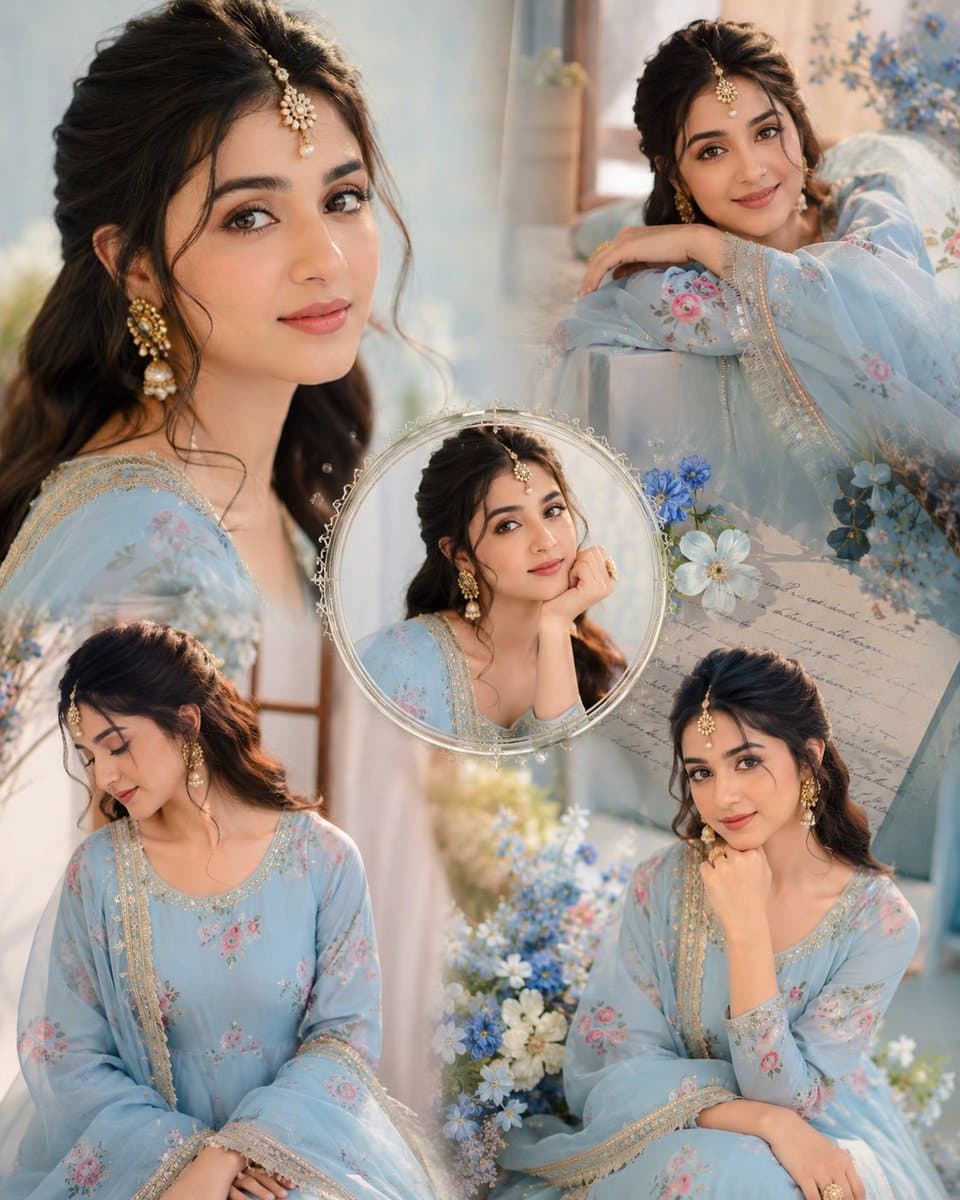
Immerse yourself in this breathtaking indian anarkali fashion collage visuals. Every visual element is crafted with exquisite detail and highly intricate aesthetics.
View prompt →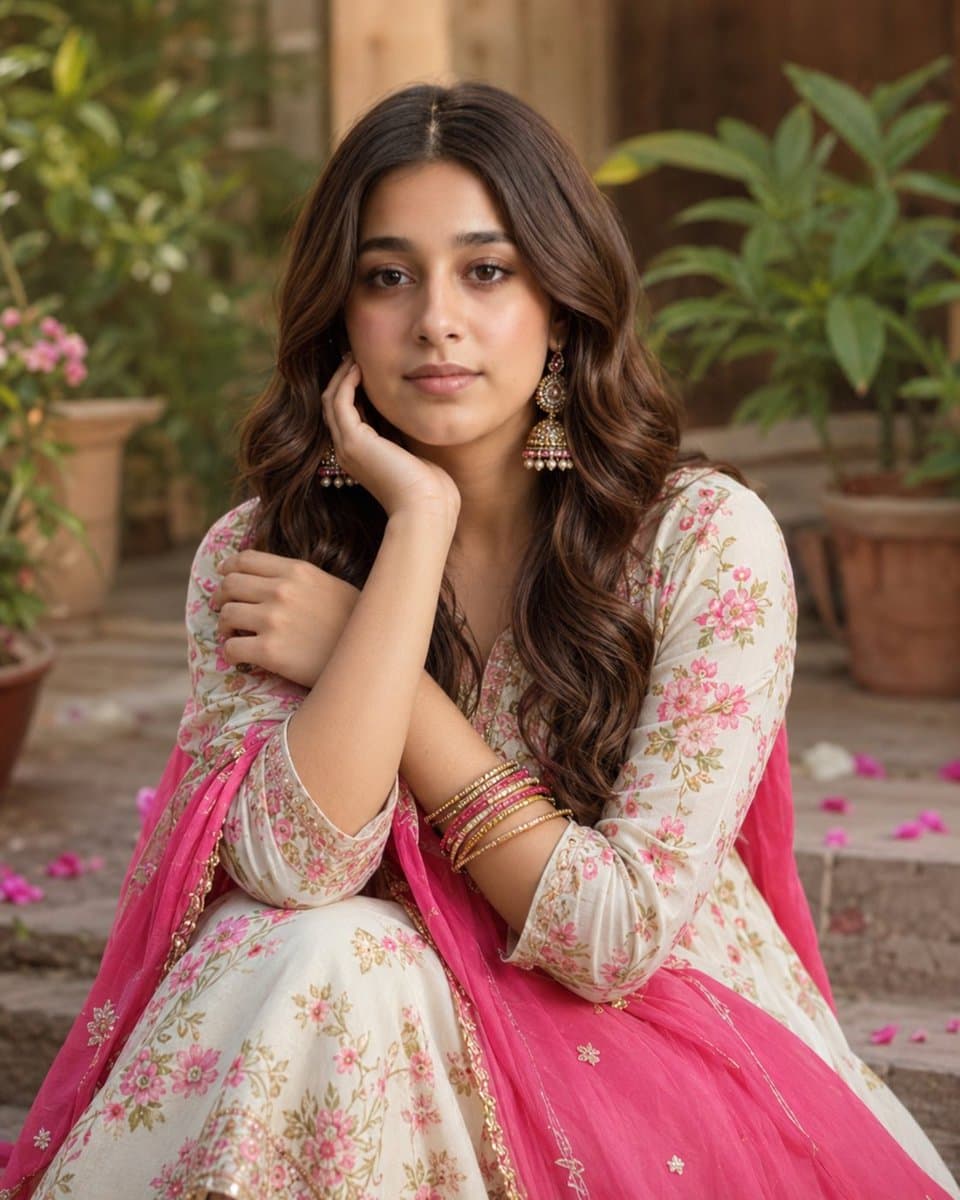
Explore a striking visual composition featuring exceptional facial identity portrait for. Experience unparalleled digital aesthetics and masterful lighting.
View prompt →This is a free AI prompt from Roopify's library. Copy, adapt, and generate your photo in seconds.