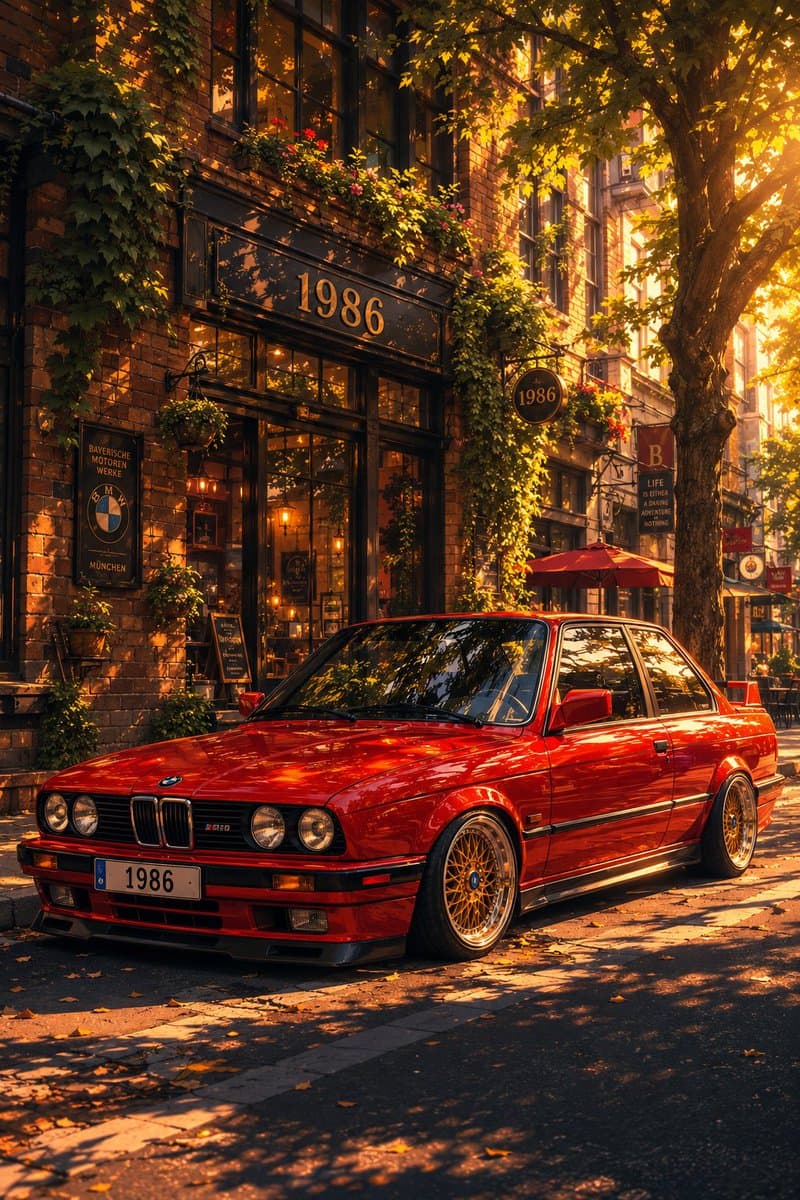
Social Media Post
Classic Bmw E30 Urban Illustration Gallery
Step into a world of intricate details with this classic bmw e30 urban illustration gallery. Designed for absolute visual perfection and artistic expression.
View prompt →A masterful anime twin chibi portrait that elevates visual storytelling. This stunning gallery piece boasts exceptional detail and captivating energy.
Create a square full bleed digital illustration on a plain solid white background showing an anime twin transformation layout. The main subject is a cute minimalist chibi anime girl occupying the center and right side of the canvas from head to upper torso, with an oversized head, tiny shoulders, very large glossy dark brown eyes, soft peach skin, rosy blushing cheeks, a small nose highlight, and a tiny slightly parted neutral mouth. She has {argument name="hair color" default="dark brown almost black"} messy short wavy bob hair with loose flyaway strands, parted near the center, with one thick loose side braid falling over her left shoulder. Add exactly 1 small pink five petal flower clip attached near the lower part of the braid. She wears {argument name="top color" default="black"} minimalist spaghetti strap camisole top with exactly 2 thin shoulder straps and a shallow V neckline. The expression should feel shy, calm, and doll like, with delicate clean line art, soft watercolor like shading, subtle blush gradients, and polished anime rendering. In the upper left corner, include exactly 1 small rounded rectangle inset photo frame with a thin dark border, showing a realistic portrait of the same young woman as the source look: short tousled dark wavy hair, natural makeup, black spaghetti strap top, seated in a car interior, facing the camera with a neutral expression. The inset should be about one quarter of the canvas width, placed with a small margin from the top and left edges. Keep the background completely white, with no text, no watermark, no extra accessories, and no additional characters. Use a clean high resolution social media avatar style that makes the realistic inset and the larger anime version visually match in hairstyle, outfit, and mood.
Create a square full bleed digital illustration on a plain solid white background showing an anime twin transformation layout. The main subject is a cute minimalist chibi anime girl occupying the center and right side of the canvas from head to upper torso, with an oversized head, tiny shoulders, very large glossy dark brown eyes, soft peach skin, rosy blushing cheeks, a small nose highlight, and a tiny slightly parted neutral mouth. She has {argument name="hair color" default="dark brown almost black"} messy short wavy bob hair with loose flyaway strands, parted near the center, with one thick loose side braid falling over her left shoulder. Add exactly 1 small pink five petal flower clip attached near the lower part of the braid. She wears {argument name="top color" default="black"} minimalist spaghetti strap camisole top with exactly 2 thin shoulder straps and a shallow V neckline. The expression should feel shy, calm, and doll like, with delicate clean line art, soft watercolor like shading, subtle blush gradients, and polished anime rendering. In the upper left corner, include exactly 1 small rounded rectangle inset photo frame with a thin dark border, showing a realistic portrait of the same young woman as the source look: short tousled dark wavy hair, natural makeup, black spaghetti strap top, seated in a car interior, facing the camera with a neutral expression. The inset should be about one quarter of the canvas width, placed with a small margin from the top and left edges. Keep the background completely white, with no text, no watermark, no extra accessories, and no additional characters. Use a clean high resolution social media avatar style that makes the realistic inset and the larger anime version visually match in hairstyle, outfit, and mood.A masterful anime twin chibi portrait that elevates visual storytelling. This stunning gallery piece boasts exceptional detail and captivating energy.
Copy the full prompt
Use the copy button above to grab the complete prompt text.
Open Roopify AI
Click Generate image for free, optionally upload your photo, and generate with this prompt applied.
Customize and create
Swap the subject, style, or details to fit your idea, then generate your photo.
More prompts
Step into a world of intricate details with this classic bmw e30 urban illustration gallery. Designed for absolute visual perfection and artistic expression.
View prompt →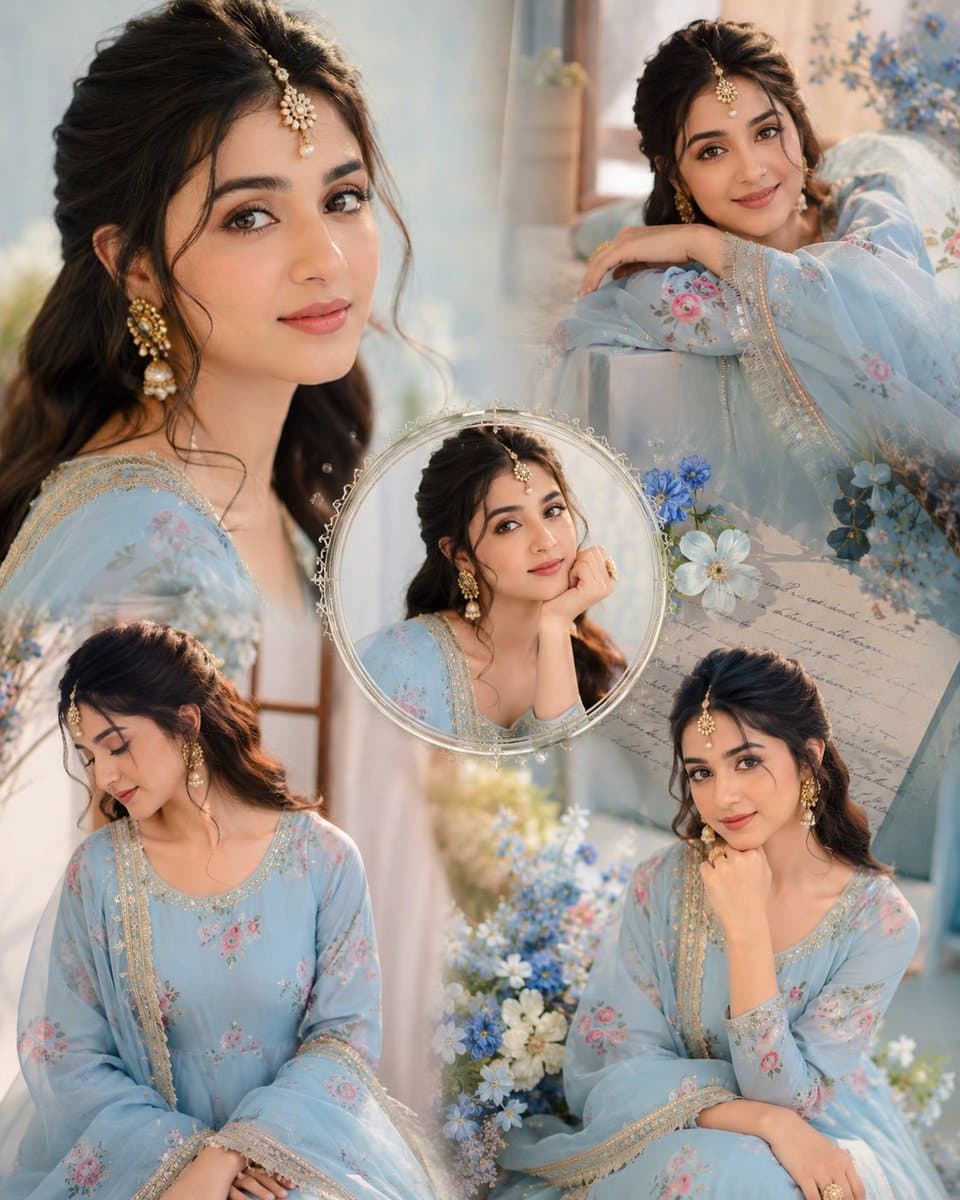
Immerse yourself in this breathtaking indian anarkali fashion collage visuals. Every visual element is crafted with exquisite detail and highly intricate aesthetics.
View prompt →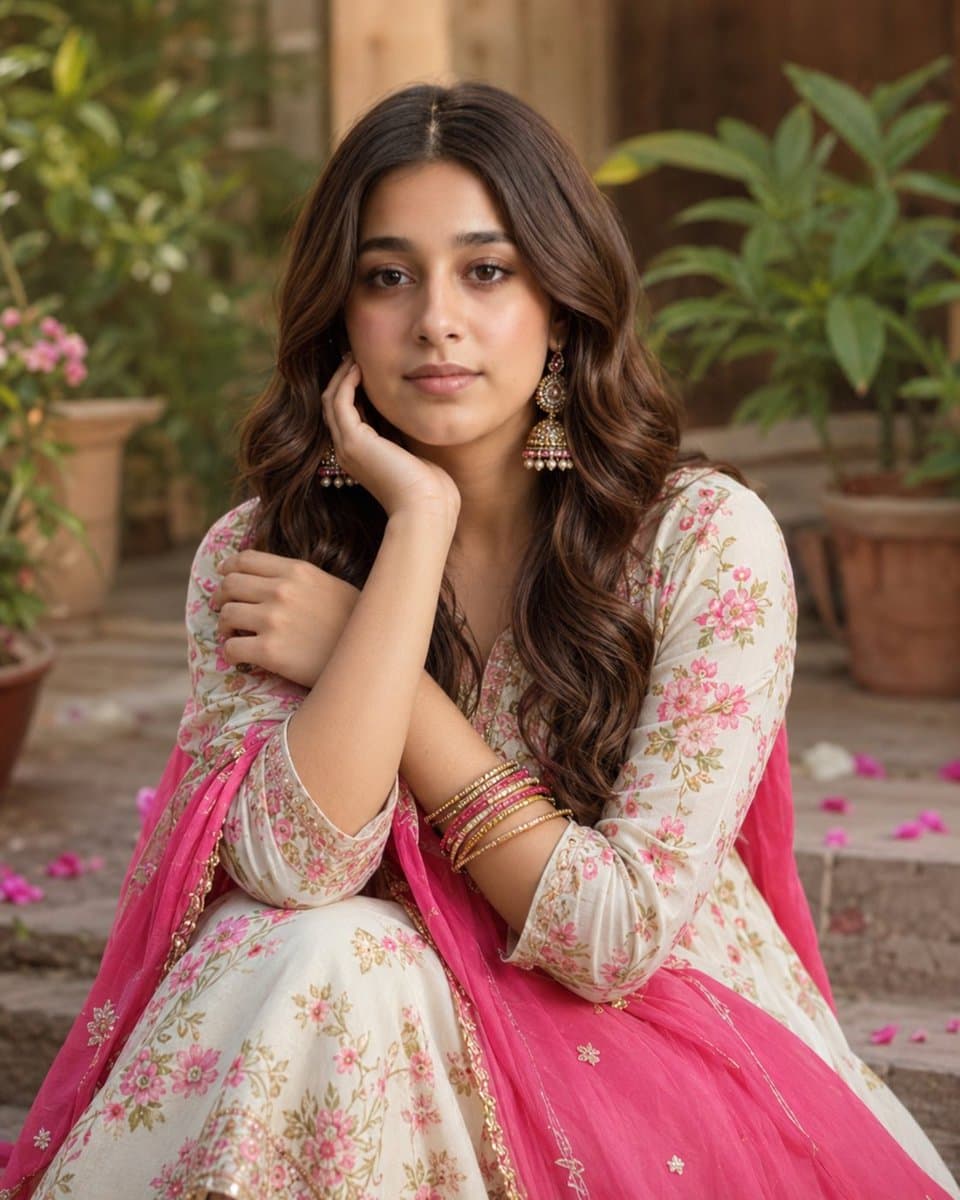
Explore a striking visual composition featuring exceptional facial identity portrait for. Experience unparalleled digital aesthetics and masterful lighting.
View prompt →This is a free AI prompt from Roopify's library. Copy, adapt, and generate your photo in seconds.