Game AssetApp / Web Design
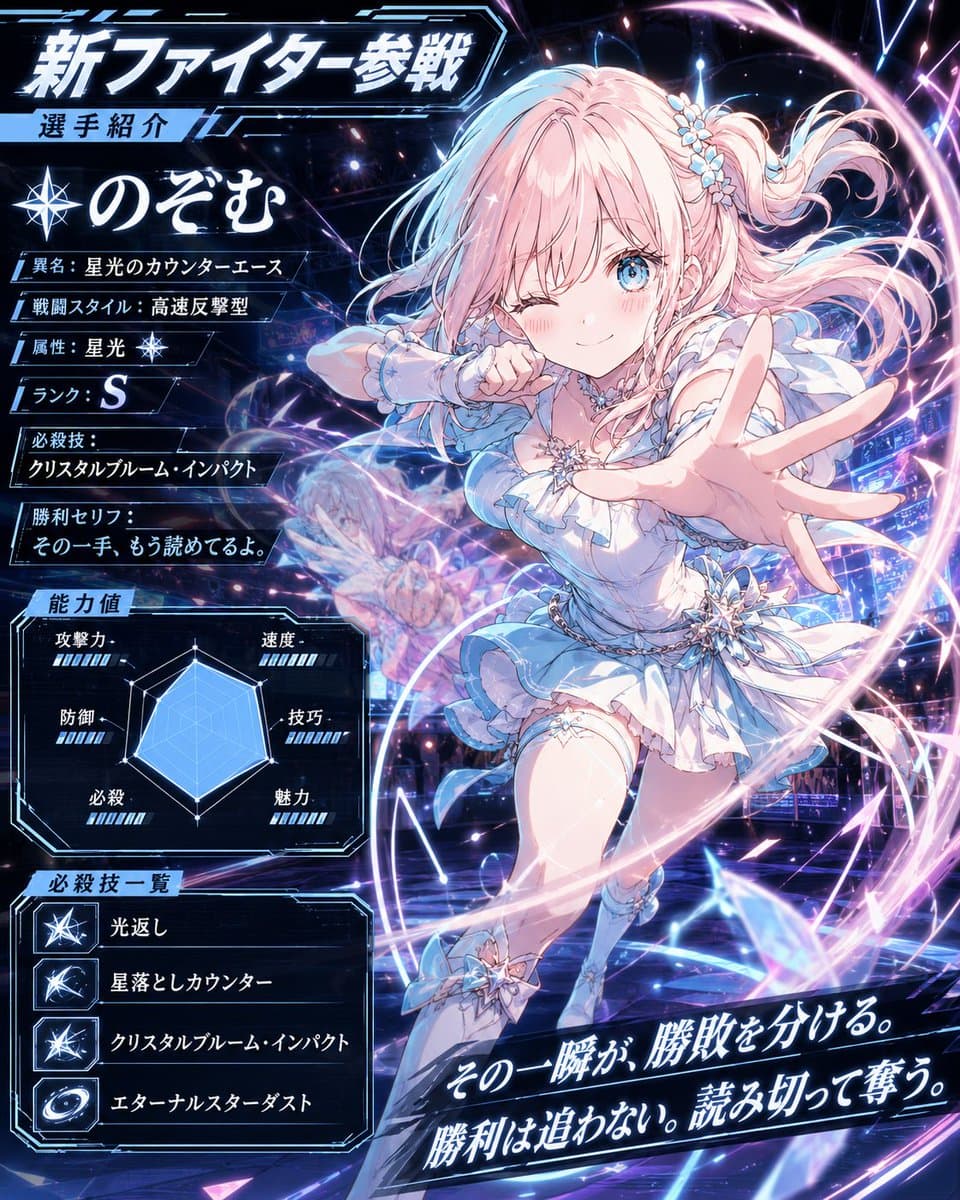
Anime Fighter Introduction Card
Explore a striking visual composition featuring anime fighter introduction card. Experience unparalleled digital aesthetics and masterful lighting.
View prompt →Step into a world of intricate details with this anime butler date manga screenshot. Designed for absolute visual perfection and artistic expression.
Goal: Create a vertical smartphone screenshot of a romantic comedy anime manga page about a sudden outfit change during a date, with the characters' faces intentionally covered by soft rectangular privacy blurs. Canvas: Tall 9:16 mobile screenshot, approximately 625 x 1080, with a black app viewer header at the top. Header includes a back arrow on the left, centered white Japanese title text {argument name="header title" default="服装チェンジ(今だけ)(1/1)"}, and two small white interface icons on the right. Add two semi transparent circular navigation buttons with left and right chevrons near the bottom center. Layout: Use exactly 6 tilted comic panels separated by thick black gutters. Panel 1, top left: close up of a petite blonde young woman in a purple and white maid like dress, one finger near her lips, embarrassed. Panel 2, top right: handsome dark haired young man in a black butler tuxedo standing on a European street. Panel 3, middle left: the same butler man scratching the back of his head awkwardly. Panel 4, middle right: close up of the blonde woman blushing heavily, overwhelmed. Panel 5, bottom large panel spanning most of the width: the blonde woman has fallen forward onto the cobblestone street, flustered, skirt and translucent sleeves spread dramatically. Panel 6, bottom right narrow panel: partial view of the butler man reaching out in surprise. Characters: The woman is {argument name="female character" default="a delicate blonde anime girl with long wavy hair, side braids, purple flower hair ornaments, violet tassel earrings, flushed cheeks, and a frilly white and purple maid dress with translucent lace sleeves"}. The man is {argument name="male character" default="a tall handsome anime man with tousled black hair, a black butler suit, gold trim, white ruffled shirt, black bow tie, lapel chain, and a decorative brooch"}. Cover the visible faces with exactly 5 soft rectangular censor blurs: one over the woman's face in panel 1, one over the man's face in panel 2, one over the man's face in panel 3, one over the woman's face in panel 4, and one over the partial man's face in panel 6; leave the fallen woman's closed eyed face in panel 5 visible. Text content: Use exactly 10 speech bubbles and preserve the Japanese dialogue in this set: {argument name="Japanese dialogue text" default="どうして… / いつもはメイド服なのに…! / おーいミワどうしたんだ? / てか貸してくれるか? / ? / そんなに驚くことか? / あーたまにはいいだろ? / かっこよすぎる…っ / ずるいよこんなの反則でしょー!!! / おい、ミワ!?"}. Add exactly 4 sound effect or reaction texts: {argument name="sound effects" default="はなそそや… / きゅううん…♡ / はぁっ / ガクッ!!"}. Visual style: Polished high detail anime illustration, soft romantic lighting, pastel highlights, sparkles, shallow depth of field, ornate European city street background, glossy manga rendering, dramatic diagonal panel composition, expressive rom com pacing. Keep the image vertical, dense, and screenshot like; do not add extra panels, extra characters, watermarks, or additional text.
Goal: Create a vertical smartphone screenshot of a romantic comedy anime manga page about a sudden outfit change during a date, with the characters' faces intentionally covered by soft rectangular privacy blurs. Canvas: Tall 9:16 mobile screenshot, approximately 625 x 1080, with a black app viewer header at the top. Header includes a back arrow on the left, centered white Japanese title text {argument name="header title" default="服装チェンジ(今だけ)(1/1)"}, and two small white interface icons on the right. Add two semi transparent circular navigation buttons with left and right chevrons near the bottom center. Layout: Use exactly 6 tilted comic panels separated by thick black gutters. Panel 1, top left: close up of a petite blonde young woman in a purple and white maid like dress, one finger near her lips, embarrassed. Panel 2, top right: handsome dark haired young man in a black butler tuxedo standing on a European street. Panel 3, middle left: the same butler man scratching the back of his head awkwardly. Panel 4, middle right: close up of the blonde woman blushing heavily, overwhelmed. Panel 5, bottom large panel spanning most of the width: the blonde woman has fallen forward onto the cobblestone street, flustered, skirt and translucent sleeves spread dramatically. Panel 6, bottom right narrow panel: partial view of the butler man reaching out in surprise. Characters: The woman is {argument name="female character" default="a delicate blonde anime girl with long wavy hair, side braids, purple flower hair ornaments, violet tassel earrings, flushed cheeks, and a frilly white and purple maid dress with translucent lace sleeves"}. The man is {argument name="male character" default="a tall handsome anime man with tousled black hair, a black butler suit, gold trim, white ruffled shirt, black bow tie, lapel chain, and a decorative brooch"}. Cover the visible faces with exactly 5 soft rectangular censor blurs: one over the woman's face in panel 1, one over the man's face in panel 2, one over the man's face in panel 3, one over the woman's face in panel 4, and one over the partial man's face in panel 6; leave the fallen woman's closed eyed face in panel 5 visible. Text content: Use exactly 10 speech bubbles and preserve the Japanese dialogue in this set: {argument name="Japanese dialogue text" default="どうして… / いつもはメイド服なのに…! / おーいミワどうしたんだ? / てか貸してくれるか? / ? / そんなに驚くことか? / あーたまにはいいだろ? / かっこよすぎる…っ / ずるいよこんなの反則でしょー!!! / おい、ミワ!?"}. Add exactly 4 sound effect or reaction texts: {argument name="sound effects" default="はなそそや… / きゅううん…♡ / はぁっ / ガクッ!!"}. Visual style: Polished high detail anime illustration, soft romantic lighting, pastel highlights, sparkles, shallow depth of field, ornate European city street background, glossy manga rendering, dramatic diagonal panel composition, expressive rom com pacing. Keep the image vertical, dense, and screenshot like; do not add extra panels, extra characters, watermarks, or additional text.Step into a world of intricate details with this anime butler date manga screenshot. Designed for absolute visual perfection and artistic expression.
Copy the full prompt
Use the copy button above to grab the complete prompt text.
Open Roopify AI
Click Generate image for free, optionally upload your photo, and generate with this prompt applied.
Customize and create
Swap the subject, style, or details to fit your idea, then generate your photo.
More prompts
Explore a striking visual composition featuring anime fighter introduction card. Experience unparalleled digital aesthetics and masterful lighting.
View prompt →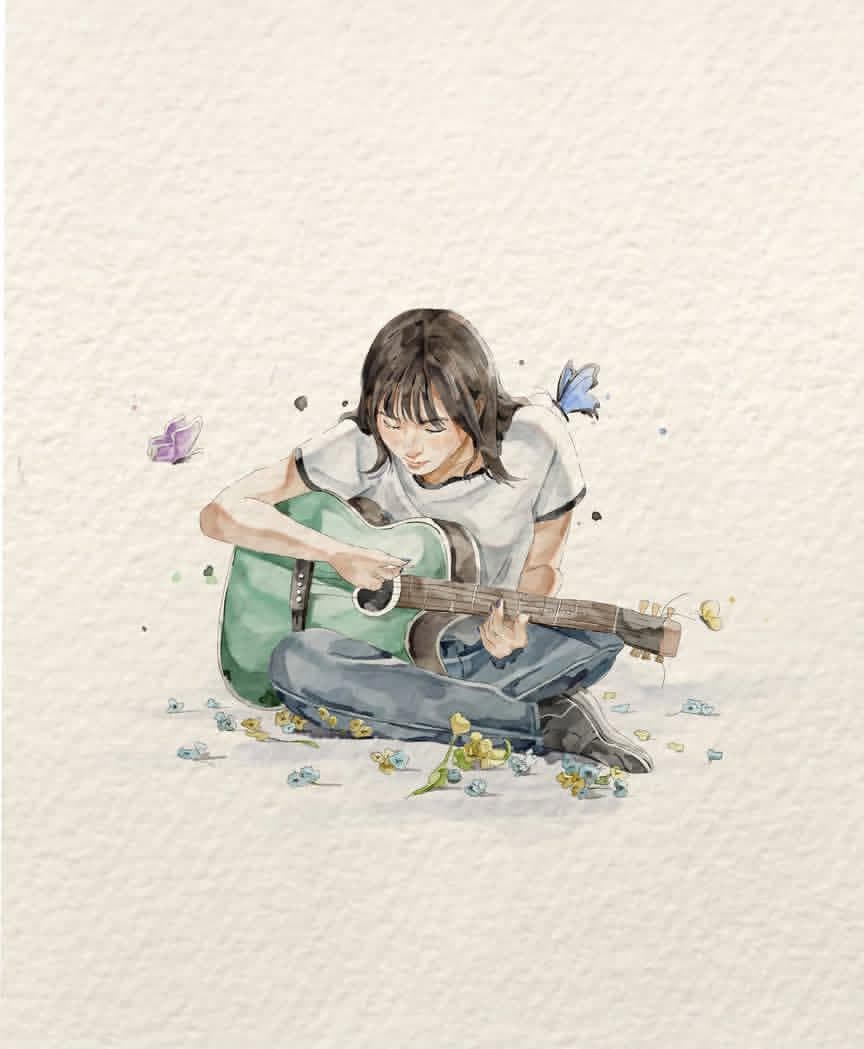
Explore a striking visual composition featuring watercolor illustration of guitar player. Experience unparalleled digital aesthetics and masterful lighting.
View prompt →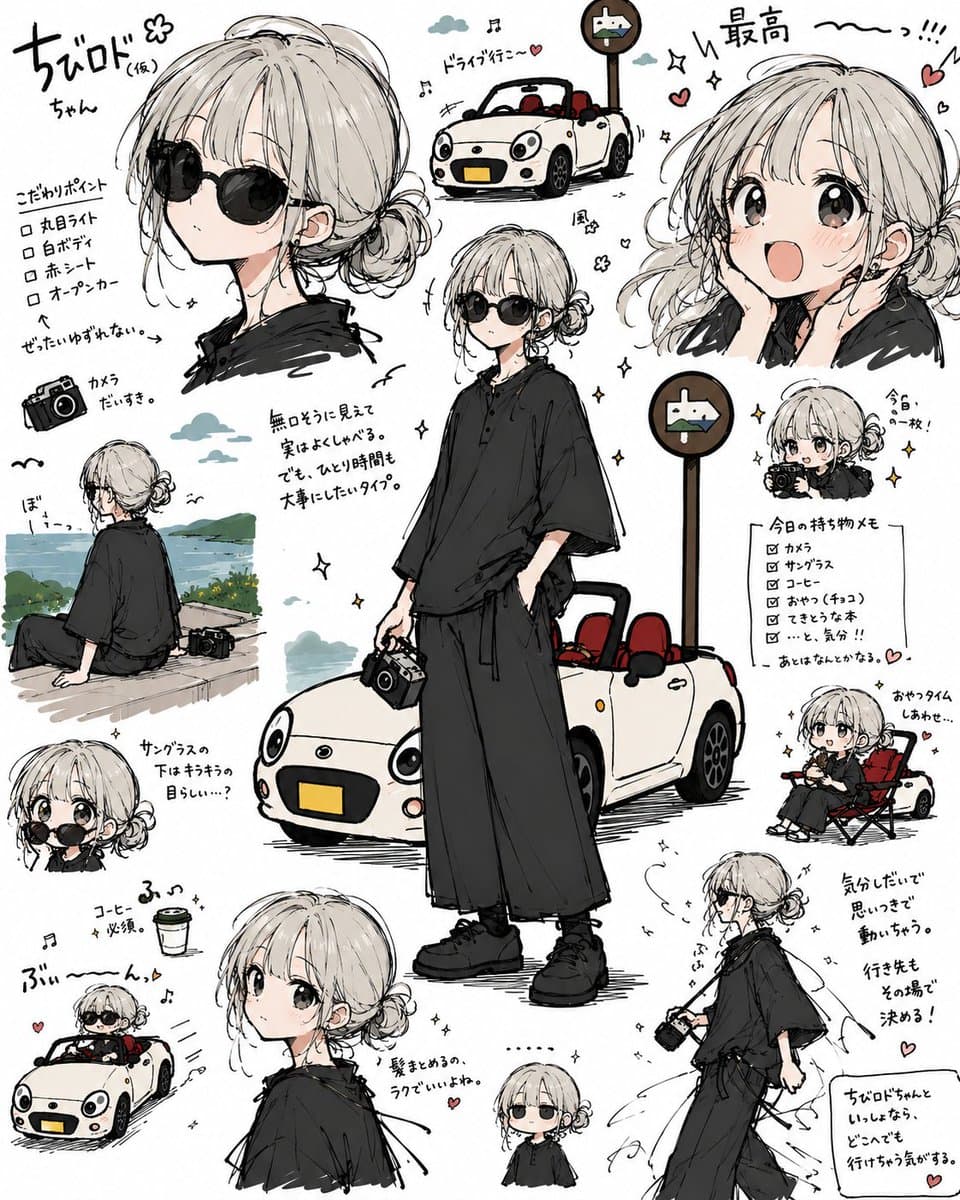
Discover incredible digital aesthetics with this anime travel character sheet collage. A beautifully crafted artwork highlighting meticulous details and vibrant scenery.
View prompt →This is a free AI prompt from Roopify's library. Copy, adapt, and generate your photo in seconds.